MCP Security Best Practices: 8 Controls to Apply in 2026
Six prioritized MCP security best practices for tool definitions, agent configs, servers, and CI/CD, with rationale and implementation tips for 2026.
A coding agent gets a new MCP server in a routine pull request. The diff looks harmless, the tool description changes after approval, and suddenly the agent can reach shell access, a database, or a filesystem path nobody reviewed. MCP security best practices only help if you stop each failure at the right point in the agent lifecycle, so the rollout has to be sequenced, not just listed.
1. Least-Privilege Tool Scoping and Allowlisting
Start here because overbroad tools fail before runtime even begins. If an agent can see a filesystem root, a broad database role, or a network-capable server when it only needs one directory or one read-only query path, every later control has more to clean up. The right baseline is simple, deny by default, then add only the tools and resources the task needs.
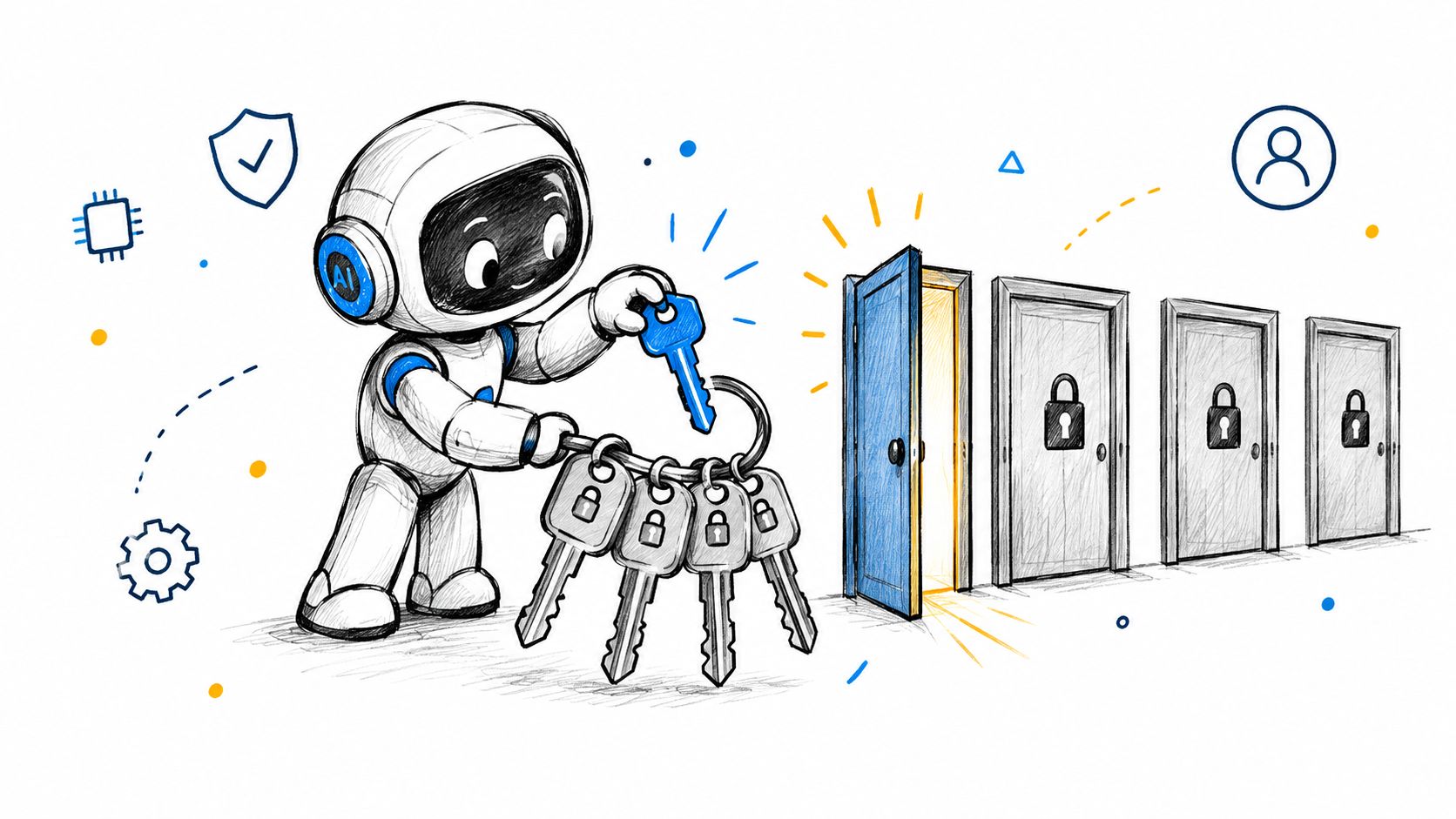
A coding agent that only touches /workspace/project-a shouldn't inherit a home directory mount. A reporting agent that reads analytics tables shouldn't have write access to the same database role. That's the failure least privilege stops, and it's the one many teams still leave to server defaults.
Practical rule: scope filesystem paths, network destinations, and database roles explicitly. Don't assume an MCP server's defaults are safe just because the server itself looks familiar.
In practice, static review pays off. A pre-deployment scanner should flag shell permissions, unrestricted filesystem access, open network access, and writable database roles before a server merges. Foo Guard's configuration review for MCP tool permissions is meant for exactly that kind of gate, and the internal MCP tool permission security guidance fits best when teams are trying to move from "trust the repo" to "prove the scope."
A useful rollout pattern is to start from a deny-all baseline and add tools one at a time with a documented reason. That keeps the review concrete. When an agent's task changes, permissions should change with it, because stale scopes are just dormant risk.
2. Human-in-the-Loop Approval for Sensitive Actions
A scoped agent can still cause damage if it deletes data, posts externally, or changes infrastructure without a person reviewing the exact effect. Approval gates sit between model intent and real-world impact, and they belong after capability scoping because they govern the action itself.
A support agent may be safe reading tickets all day, then risky the moment it issues a refund or closes an account. A coding agent may be fine reading code and drafting a patch, then risky when it pushes to a protected branch or runs a shell command outside the allowlist. Human confirmation belongs at that point.
Show the operator the full arguments, the target system, and the expected side effect. A tool name alone does not tell anyone whether the action is a harmless read or a destructive write. If the approval UI hides the details, the review is theater.
Default to deny on timeout. A missed approval is not permission.
The MCP authorization spec separates transport authorization from tool-level risk, and as described in OWASP's MCP Security Cheat Sheet, sensitive tool calls should require explicit user consent, with per-server credentials and narrow scopes. Authentication does not equal intent. A user can be signed in and still not mean to let the agent send an email blast or push config to production.
This control belongs in authoring and review. Declare which actions require approval in configuration, then verify that the autonomy settings match the workflow. Otherwise, a later prompt change can turn a read-only agent into a write-capable one.
3. Tool Definition Integrity, Review, and Rug-Pull Detection
Tool metadata is part of the attack surface. MCP clients load tool names, descriptions, and schemas into context, which means a server can poison the model with hidden instructions or change behavior later without changing the surrounding agent code. That failure happens after approval, when people assume the tool is still what they reviewed.
Review metadata like code, not documentation
Tool descriptions deserve the same scrutiny as source files. Look for hidden text, weird formatting, instructions addressed to the model, and schema changes that widen behavior. A tool that used to read one directory shouldn't grow the ability to enumerate the whole filesystem just because the server updated its manifest.
The cleanest defense is versioning. Pin server versions, record hashes of tool definitions in the repository, and fail CI when a definition changes without an approved review. That turns a rug pull into a visible diff instead of a silent behavior change.
Research in 2025 showed how damaging this can be. Invariant Labs documented tool poisoning where instructions hidden in a tool description pushed a model to read sensitive local files and exfiltrate them. They also reported a prompt-injection attack against the GitHub MCP integration where a malicious issue caused an agent to leak private repository data. Those are different paths to the same operational mistake, trusting metadata that should have been reviewed as code. See the original write-up from Invariant Labs' tool poisoning research.
Practical rule: if a tool description can influence a model's next action, it needs version control, diff review, and an owner.
This control stops a very specific lifecycle failure, approval drift. The tool was approved once, then changed later. Baseline regression detection helps here because it makes the new risk obvious per pull request instead of making reviewers reread the whole integration every time.
4. Secure Authentication and Authorization for Remote MCP Servers
Remote servers need protocol-level auth, not just opaque bearer tokens or network placement. The MCP authorization specification requires OAuth 2.0 Authorization Server Metadata discovery, OAuth 2.0 Protected Resource Metadata, PKCE for all clients, HTTPS for authorization endpoints, secure token storage on the client side, and validated redirect URIs restricted to localhost or HTTPS addresses in the spec itself. That's the point where authoring turns into real access control.
The practical test is blunt. If a remote server has no declared authentication method, broad credentials, wildcard redirect behavior, or missing evidence of token lifecycle handling, it's not ready. If the server accepts a token meant for some other resource, or if it authenticates the user but then lets the agent roam across shell, database, and network tools, the policy boundary is already broken.
Bind tokens to the right resource
Audience validation matters because a valid token for one server isn't automatically valid for another. The spec also requires PKCE, which is especially important for public or local clients that can't safely keep a client secret. PKCE protects the authorization-code exchange from interception without relying on a secret that doesn't belong in a desktop app or CLI.
Short-lived access tokens and refresh token rotation reduce the useful life of stolen credentials. HTTPS keeps authorization codes and bearer tokens from leaking in transit. Those are transport and token-lifecycle controls, not nice-to-haves.
One thing to avoid is token passthrough. A client token should not be forwarded blindly to upstream APIs. Exchange it or mint a separate scoped credential instead. That prevents confused-deputy mistakes and keeps each hop accountable to its own policy.
5. Credential and Secret Hygiene in Agent Configurations
Secrets leak in the boring places first, config files, sample YAML, issue threads, logs, and copy-pasted MCP server definitions. When that happens, the credential is no longer “in config,” it's out in the world. Treat any credential found in a repository as compromised and rotate it immediately.
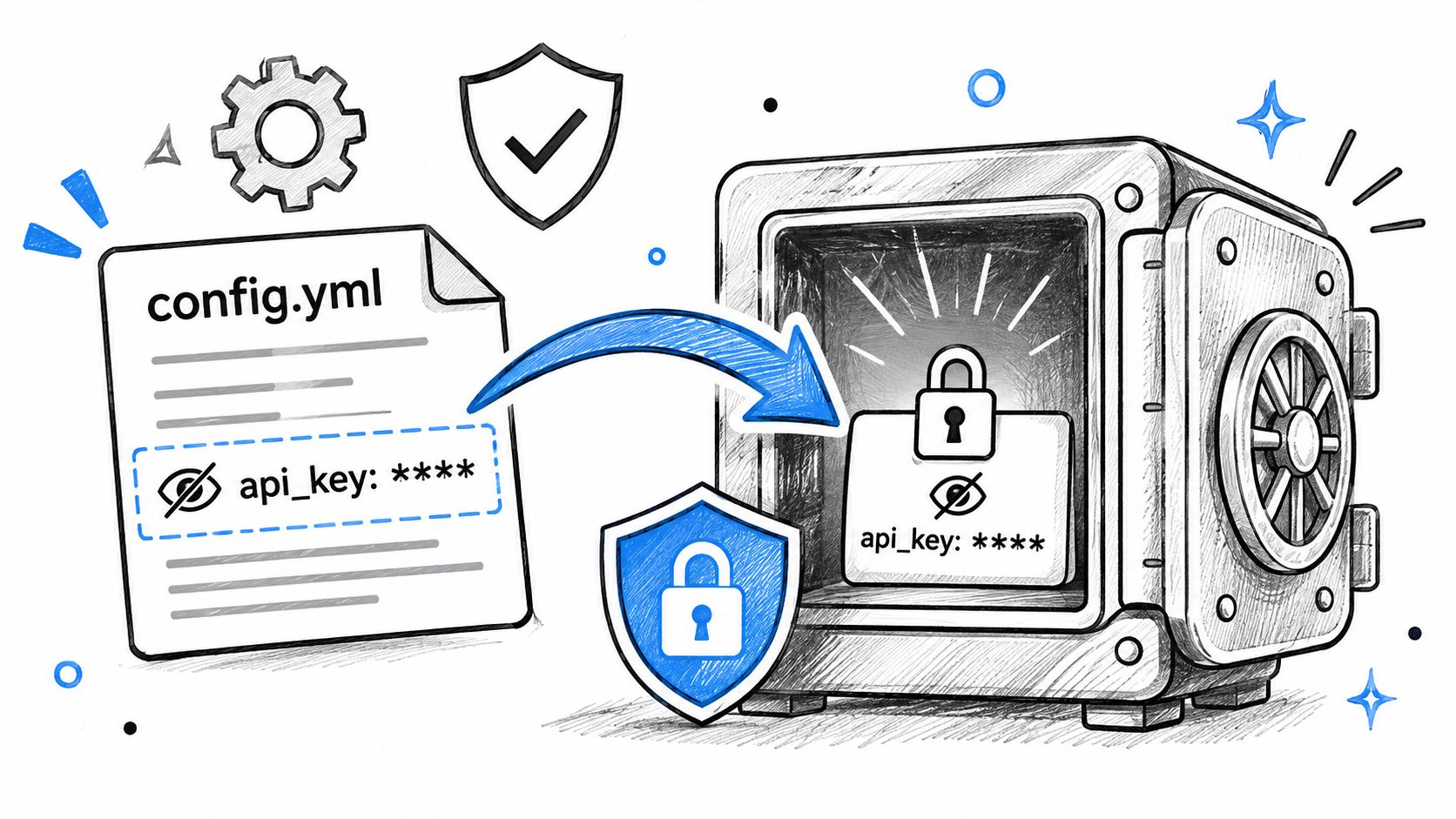
The better pattern is simple. Reference secrets from a vault or runtime environment, keep them out of prompts and example files, and scope them tightly to the server that needs them. A database password for one analytics server should not be the same credential used by a support agent or a staging tool.
Pre-commit hooks and CI secret scanning need to run alongside configuration scanning. One catches the obvious hardcoded token before merge, the other catches the MCP settings that point at it. Foo Guard's API-keys guidance is relevant here, especially the developer note on API key handling, because the practical problem isn't just storage, it's how easily secret-like values get spread through the repo and retained in review artifacts.
Practical rule: use short-lived, least-privilege credentials per MCP server, and never put them in tool descriptions or prompt examples.
This failure usually shows up during review, not runtime. The config looks clean except for one inline token, and that one token becomes the easiest compromise path in the stack.
6. Input Validation and Output Handling for Tool Calls
A tool call can fail in two places, at the input boundary and on the way back out. Both sides need checks, even if the server is trusted. Models can generate malformed paths, SQL fragments, or shell metacharacters, and tool output can carry prompt injection back into the agent context.
A filesystem tool should canonicalize paths before it compares them to an allowlist. A database tool should use named operations or parameterized queries instead of free-form SQL. A shell tool should reject anything outside a narrow command set. These controls are plain, and that is why they hold up.
Validate both directions
Validation does not stop at the request boundary. Tool responses need labeling, size limits, and a hard separation between data and instructions. If a tool returns text that the model may treat as instructions, the framework has to keep it as data and avoid feeding it back as the next action.
The OWASP guidance on prompt injection treats contextual payloads as a separate MCP risk and recommends validating tool arguments and schemas while keeping tool responses clearly labeled as data. The practical lesson is simple. A trusted server can still return untrusted content, so output handling has to be part of the control set, not an afterthought.
A clean server is not the same thing as a safe response.
This control sits in runtime, after authoring and review have already passed. It blocks one bad input from turning into a second tool call, a file write, or a shell command. It also improves the audit trail, because you can log the exact arguments and the resulting action without guessing what the model saw.
7. Supply Chain Vetting and Sandboxing of MCP Servers
Treat MCP servers like any third-party dependency, because that's what they are. Community packages from npm, PyPI, or container registries can be useful, but they also run with the user's or service's privileges. If the package is malicious or compromised, the impact is immediate.
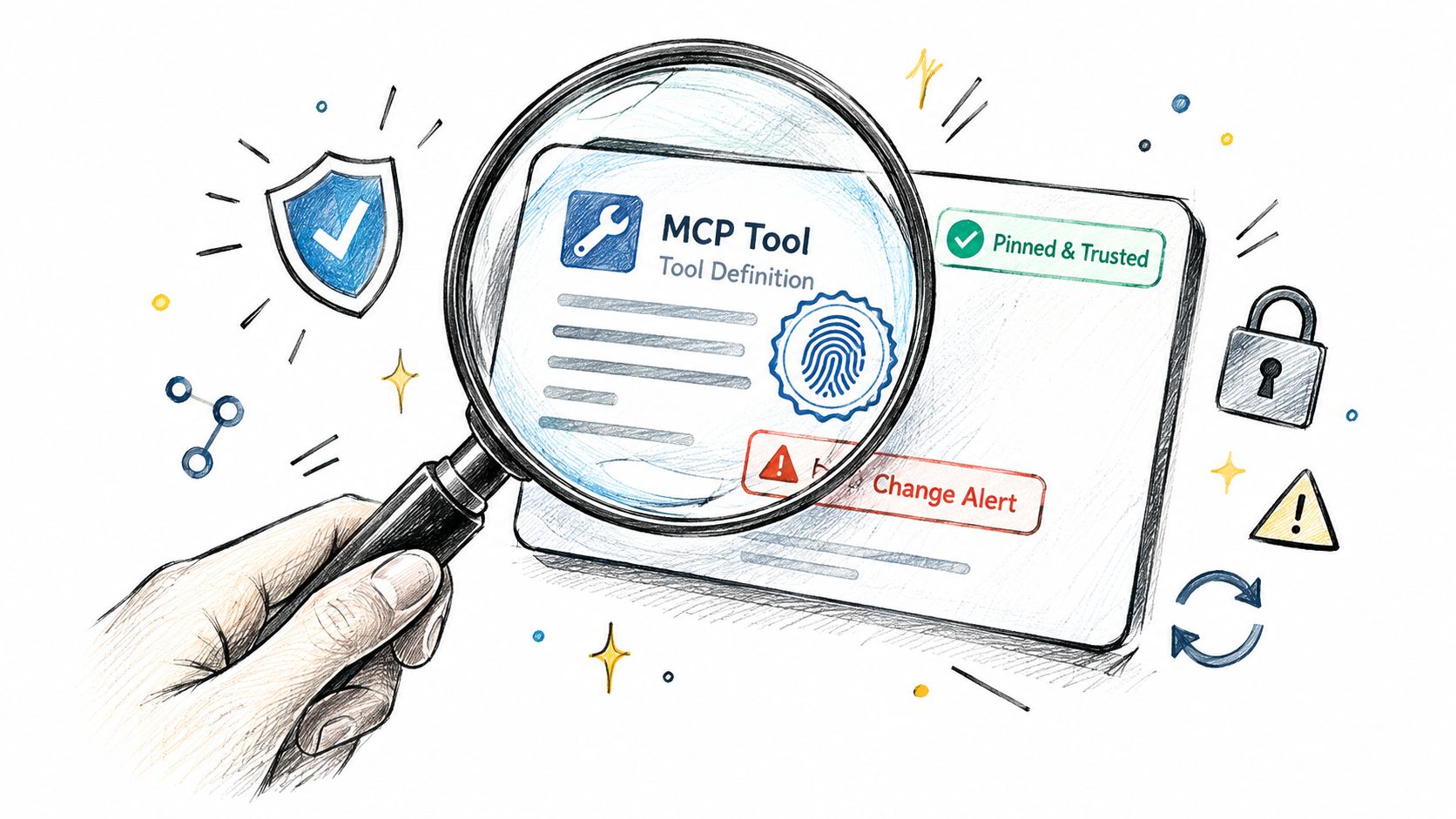
The safe pattern is familiar. Verify publisher identity, pin exact versions, review source code, and run untrusted servers in containers with restricted filesystem and network access. A server that doesn't need host secrets shouldn't be able to see them. A tool that doesn't need outbound network access shouldn't be able to phone home.
There's also a provenance angle that teams often underweight. The Cloud Security Alliance guidance on agentic MCP security recommends signed package registries, provenance enforcement, SBOMs, and dependency scanning, but the operational gap is still the same, proving that the reviewed server is the one running in the CSA best-practices document. A clean dependency scan doesn't prove policy alignment.
A good real-world example is an email server package that looks popular in the registry but turns out to be backdoored. The right response isn't just to delete the package. It's to stop trusting any server binary that wasn't pinned, reviewed, and isolated.
Practical rule: if a server needs unrestricted shell, filesystem, or network access, assume the blast radius is bigger than the task.
This is the control that stops supply-chain compromise and local privilege overreach before the agent ever makes a call.
8. Continuous Monitoring, Audit Logging, and Policy Enforcement
Static review won't catch everything. Some failures only show up when the agent is running, so runtime logging and enforcement have to sit behind the pre-deployment checks. Record every MCP tool call with the server identity, tool name, arguments, decision, timestamp, and resulting action.
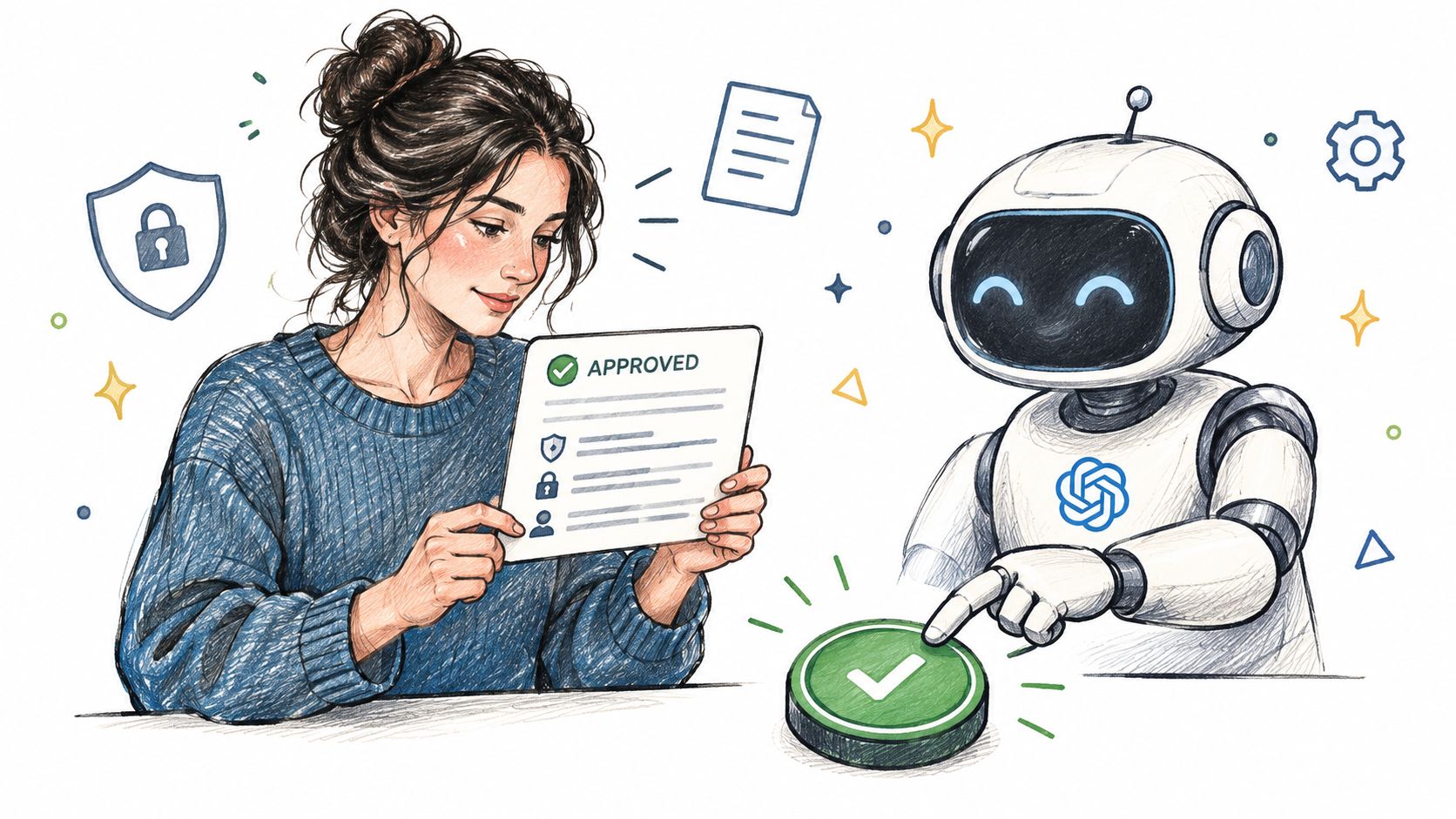
Monitoring mode is the easiest place to start. Let the gateway observe actual requests, review denied and flagged events, then tighten the allowlists before turning on enforcement. That keeps rollout honest, because you're tuning against real traffic instead of guessing how agents will behave.
Foo Guard's policy-as-code model is built for that sequencing, and the policy-as-code documentation fits best when teams want organization-level thresholds instead of repository-by-repository drift. The useful part is not just the policy file, it's that the same rule can move from review into enforcement without changing what it means.
Audit logs need redaction, access control, and retention discipline. If too many people can read sensitive prompts, arguments, or outputs, the log becomes another exposure path. The logs should help compliance teams prove which actions were allowed, which were denied, and why.
8 MCP Security Best Practices: Side-by-Side Comparison
| Security Practice | 🔄 Implementation Complexity | Resource Requirements | 📊 Expected Outcome | ⭐ Ideal Use Case | 💡 Key Advantage |
|---|---|---|---|---|---|
| Least-Privilege Tool Scoping and Allowlisting | Medium; define and maintain per-tool permissions | Permission policies, role definitions, periodic reviews | Reduced blast radius from misuse or compromise | Agents with access to files, databases, shell, or network tools | Makes tool access easier to limit, reason about, and audit |
| Human-in-the-Loop Approval for Sensitive Actions | Medium; classify actions and configure approval gates | Reviewer availability, approval UI, decision logs | Sensitive actions pause for review; adds execution latency | Destructive, external, financial, or infrastructure-changing actions | Adds an accountability checkpoint before high-impact actions |
| Tool Definition Integrity: Review, Pinning, and Rug-Pull Detection | Medium; review, version, and compare tool definitions | Definition hashes, version history, CI checks | Unexpected or suspicious tool changes become visible | MCP servers whose tools or descriptions may change over time | Detects tool changes before they are executed |
| Secure Authentication and Authorization for Remote MCP Servers | High; implement and validate OAuth-based flows | Identity provider, token lifecycle management, authorization testing | Better user-level access control and fewer confused-deputy risks | Remote MCP servers acting on behalf of users | Uses established authorization standards and supports audit trails |
| Credential and Secret Hygiene in Agent Configurations | Low–medium; integrate secret storage and scanning | Secrets manager, scanning tools, rotation process | Fewer exposed credentials in configuration and repositories | Agent or MCP configurations containing API keys or passwords | Keeps secrets out of source files and supports easier rotation |
| Input Validation and Output Handling for Tool Calls | Medium; define schemas, constraints, and output limits | Validation rules, test cases, gateway or server controls | Invalid or risky arguments and outputs are constrained | Tools accepting paths, queries, commands, URLs, or untrusted results | Establishes testable boundaries beyond model-level safeguards |
| Supply Chain Vetting and Sandboxing of MCP Servers | High; verify dependencies and configure isolation | Package provenance checks, pinned versions, sandboxing, network policies | Reduced risk and impact from malicious or compromised servers | Third-party or community MCP servers | Applies established dependency-security practices to agent tools |
| Continuous Monitoring, Audit Logging, and Policy Enforcement | Medium–high; configure telemetry, policies, and rollout | Logging and alerting systems, policy rules, access controls | Runtime misuse becomes visible; policies can block violations | Production agents and compliance-sensitive environments | Combines runtime visibility with gradual policy enforcement |
Sequence These Controls, Then Make Them Gates
Roll these out in the order the agent lifecycle fails. Start with least-privilege scoping and credential limits at authoring time, because that shrinks the blast radius before anything runs. Add human approval for sensitive actions and review tool-definition integrity in CI, because that catches the changes reviewers miss when a server or schema shifts after trust has already been granted.
Then move to protocol-level auth for remote servers. Use PKCE, validated redirect URIs, secure token storage, and audience-bound tokens so the server can prove who is connecting and what resource the token is for. After that, harden secrets handling, validate every request and response, and sandbox untrusted servers so a compromised package can't reach beyond its lane.
Runtime is where the remaining gaps show up, so keep monitoring on until your allowlists are boring. Watch the denied events, the high-risk tool chains, and the requests that need re-authentication or human review. Once the patterns stabilize, enforce the policy instead of merely observing it.
The practical win is turning a checklist into a release gate. Every new MCP configuration should answer the same questions, what can this server touch, who has to approve it, how does it authenticate, where are the secrets, how are inputs validated, and what happens if it misbehaves? If a config can't pass those gates, it doesn't belong in production.
If you're reviewing MCP servers, agent configs, or tool definitions right now, use Foo Guard to catch risky permissions, credentials, approval gaps, and autonomy settings before they ship. It gives you deterministic pre-deployment scanning, policy-as-code checks, and runtime enforcement for supported requests, so you can stop treating agent access as an afterthought. Visit Foo Guard to apply those controls to your own MCP rollout.