MCP Security Checks in GitHub Pull Requests: 10 Tools
Compare 10 MCP security checks in GitHub pull requests: features, PR gating, pros and cons, plus native config example.
Pull requests that add one MCP server across several clients need a consistent review. Consider a change to .cursor/mcp.json, a Claude Desktop config, a VS Code MCP file, and a Continue config, all pointing to the same synthetic package, @example/mcp-demo. The package is fictional test data. Do not install it.
Use the four files as one least-privilege test case. The safer configuration pins a version, limits read-only filesystem access to the repository, omits shell access, restricts network destinations to those explicitly named, and references credentials through environment variables rather than pasted values. The riskier version uses a floating tag, expands filesystem access to the home folder, adds a shell command, and puts a token-shaped string in env.
Static checks can inspect the permissions and credentials declared in native configuration files. They cannot establish what a launched process does at runtime, whether a registry package is trustworthy, or how a model will handle retrieved issue text. Pinning supports reproducibility, not package safety. These checks should distinguish declared configuration findings from runtime behavior, without requiring native client files to be rewritten into a vendor schema. Check supported paths and fields in the Foo Guard supported formats documentation, then run MCP security checks in GitHub pull requests against the commit under review.
1. Foo Guard
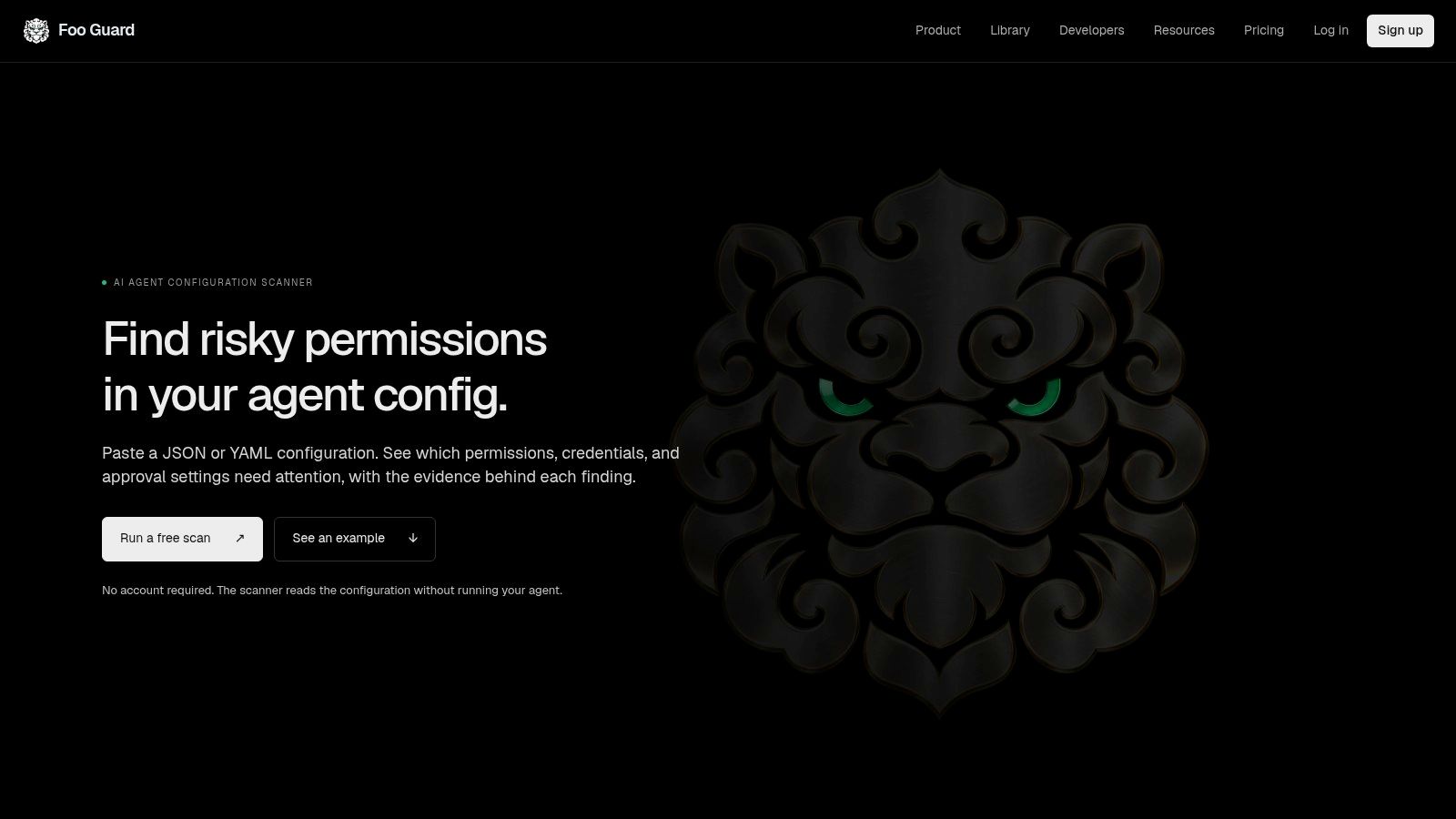
For the synthetic change across Cursor, Claude Desktop, VS Code, and Continue, Foo Guard can assess the same least-privilege example in each native configuration file. Its scanner accepts JSON or YAML agent configurations and inspects MCP-style tool definitions before servers run. Findings cover permissions, credentials, tool capabilities, and approval settings, with a security score and grade summarizing the assessed configuration. Static analysis can flag declared risks; it cannot establish what a server does at runtime.
What works in a pull request
Foo Guard's GitHub checks compare new, existing, and resolved findings against the pull request's base revision. Set a policy threshold as a required check to gate merges, including when a repository has an existing baseline. The check summary identifies the effective threshold and its source. Team scans read .fooguard.yml at the commit SHA, so the policy being reviewed is the one that produces the Foo Guard Security check.
The Team plan includes a shared workspace and versioned workspace Library. Its hosted Gateway lets users connect MCP capabilities, review them, and monitor supported requests routed through it. Gateway policies can control those requests at runtime. The CLI supports local scans and CI enforcement, while GitHub integration provides push and pull request scans, scan history, baselines, and repository posture. AI-assisted remediation can suggest edits, while deterministic findings determine the security result.
- Strength: Findings are deterministic and tied to the configuration under review.
- Strength: Required checks can block merges when agent configuration violates policy.
- Limit: Static scanning cannot inspect live conversations or unrouted runtime traffic.
- Limit: Gateway coverage applies to supported requests routed through it, not general prompt-injection or data-loss-prevention scanning.
Run the synthetic example through all four native client files and compare the findings against the intended least-privilege policy. A clean result means the declared configuration passed that policy. It does not certify the package or guarantee runtime safety.
2. mcp-audit
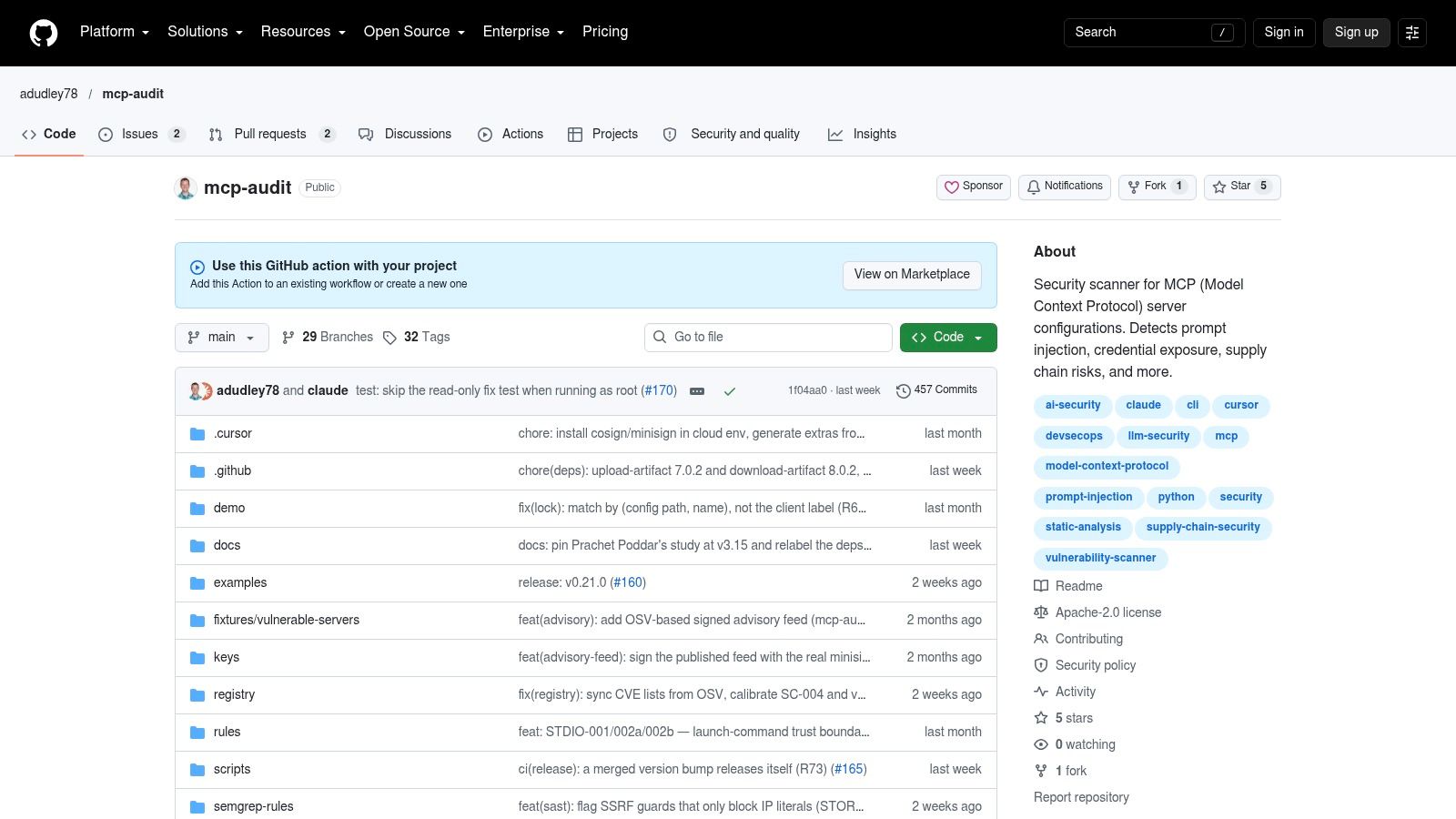
mcp-audit is the narrowest fit on this list. It's an open-source scanner and GitHub Action built for MCP configuration changes in pull requests, with summaries that call out new servers, new tools, credential references, and external endpoints. For the four-file synthetic change, that diff summary is the useful part. A reviewer shouldn't have to reconstruct capability changes by reading four JSON files side by side.
It can fail builds at a chosen severity, upload SARIF to GitHub Security, and use baseline or drift options so you can adopt it gradually. A CLI and extensions for VS Code and Cursor cover local checks before a push. Pair it with the principles in this guide to MCP security best practices, especially least privilege and explicit approval for high-impact tools.
- Strength: Purpose-built reporting makes new capabilities visible in the PR conversation.
- Strength: Severity thresholds support a staged rollout from warning to blocking.
- Limit: SARIF upload needs workflow setup and the right permissions.
- Limit: Static findings can't establish whether a server behaves safely at runtime.
For context on why the gate can't be optional, a 2023 study of security interventions on GitHub examined 10,000 projects and found CodeQL identified at least one vulnerability in 1,842 repositories, or 18.42% of the sample. Most projects kept default scan settings. Attach the check to the pull request lifecycle by default, and track detected, fixed, merged, and dismissed findings separately.
3. MCP Sentinel
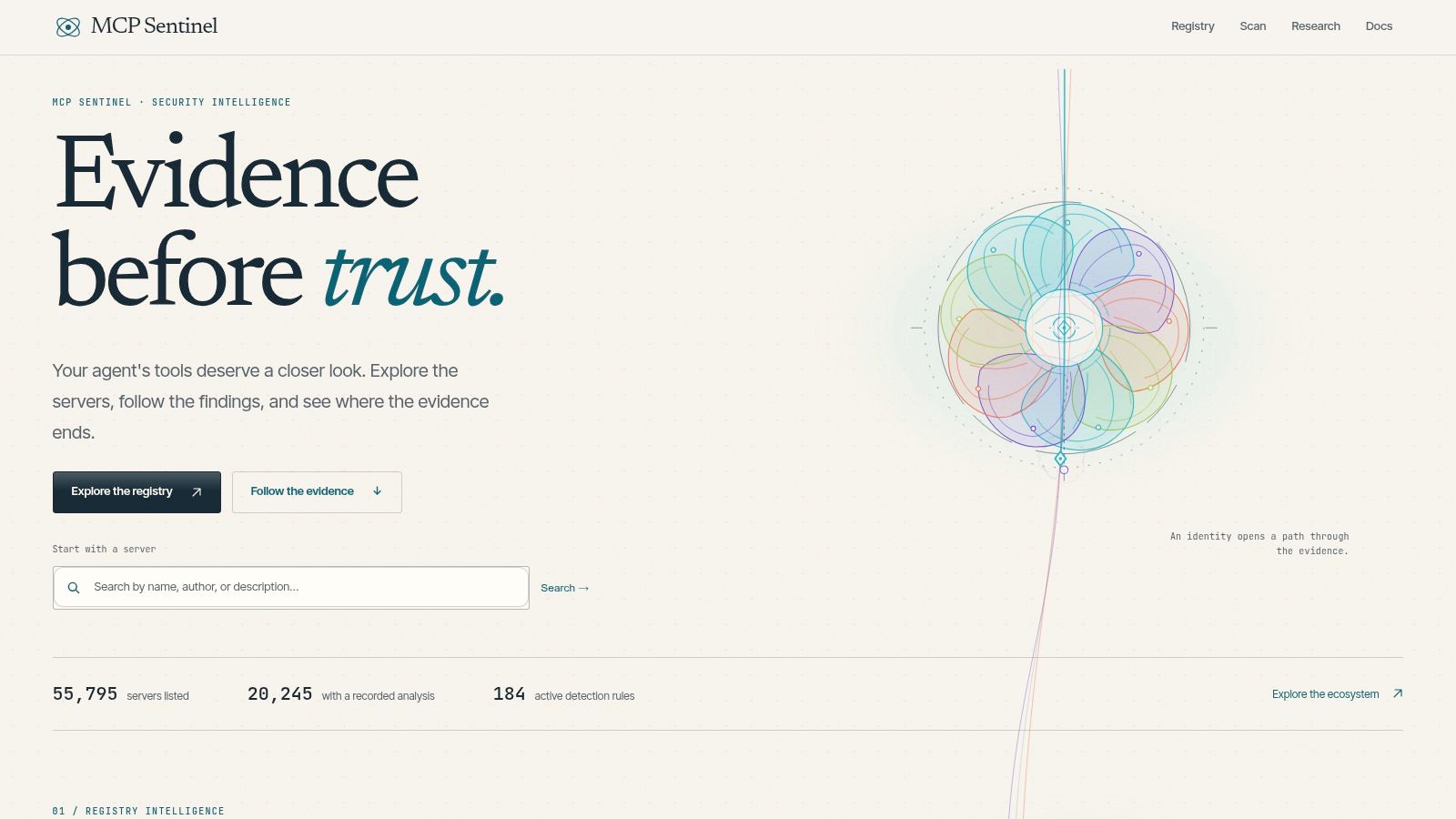
Call out the scan mode in your workflow file before you enable MCP Sentinel. Its documentation distinguishes static configuration checks from read-only live endpoint enumeration and sandboxed package runs, and that distinction is exactly what reviewers need. A static pass over .cursor/mcp.json is a different claim from a run that contacts an endpoint and enumerates what it exposes.
The GitHub Action runs on pushes and pull requests, with configurable failure thresholds. High or critical findings fail by default. Static mode doesn't execute the published artifact, which suits untrusted pull requests from forks. The optional modes can add signal, but you should review network access and sandboxing before turning them on in CI.
If a check contacts a live endpoint, state that in the workflow name. Reviewers can't judge a result they can't classify.
This is also where teams confuse pre-merge checks with runtime routing, so read what an MCP gateway does before assuming a PR scanner watches production calls. It doesn't.
- Strength: Clear separation between inferred and observed attack paths.
- Strength: Direct pull request gating with documented limitations.
- Limit: Endpoint and sandboxed modes need careful CI permission review.
- Limit: Cited documentation doesn't establish paid support or service-level commitments.
Use static mode for the synthetic example. Save live enumeration for scheduled jobs against endpoints you control.
4. Snyk Agent Scan
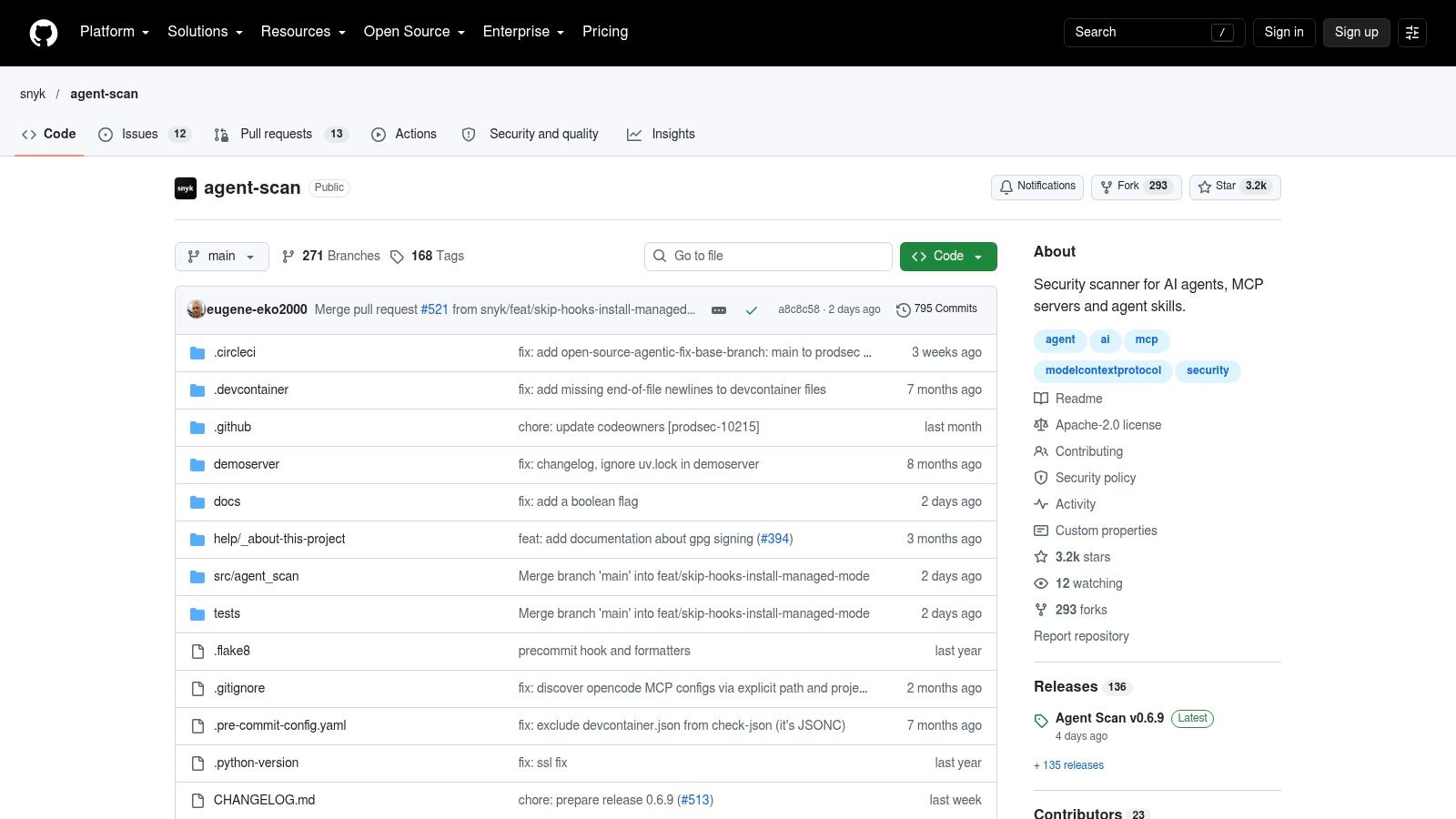
Snyk Agent Scan covers more than MCP configuration. It also scans agent skills, and it supports repository-relative files such as .mcp.json and .github/mcp.json. That broader scope helps when the same pull request adds both a server entry and a skill that tells the agent how to use it. Its documented risk categories include prompt injection, untrusted content, destructive capabilities, and credential handling.
You'd wire it into GitHub Actions yourself as a CLI step, installed with uvx or as a standalone binary. There's no managed policy dashboard in the cited project, so your workflow YAML, thresholds, and failure handling are your own work. That's fine for platform teams. It's friction for small teams that want a turnkey check.
The project cautions that output is experimental and that CLI fields and risk indicators may change. Pin the scanner version in CI, or a routine upgrade can change what your required check means. Some modes may execute commands or make outbound requests, so don't run those modes on untrusted fork pull requests with repository secrets available.
- Strength: Backed by Snyk and covers skills alongside MCP config.
- Strength: Supports several coding-agent ecosystems in one CLI.
- Limit: Experimental output makes version pinning in CI essential.
- Limit: It's a scanner component, not a turnkey PR policy product.
Test it against both the safe and risky synthetic variants. Confirm the risky one fails for the capability change, not just for a formatting complaint.
5. Sentinel MCP Security Scanner by Helixar
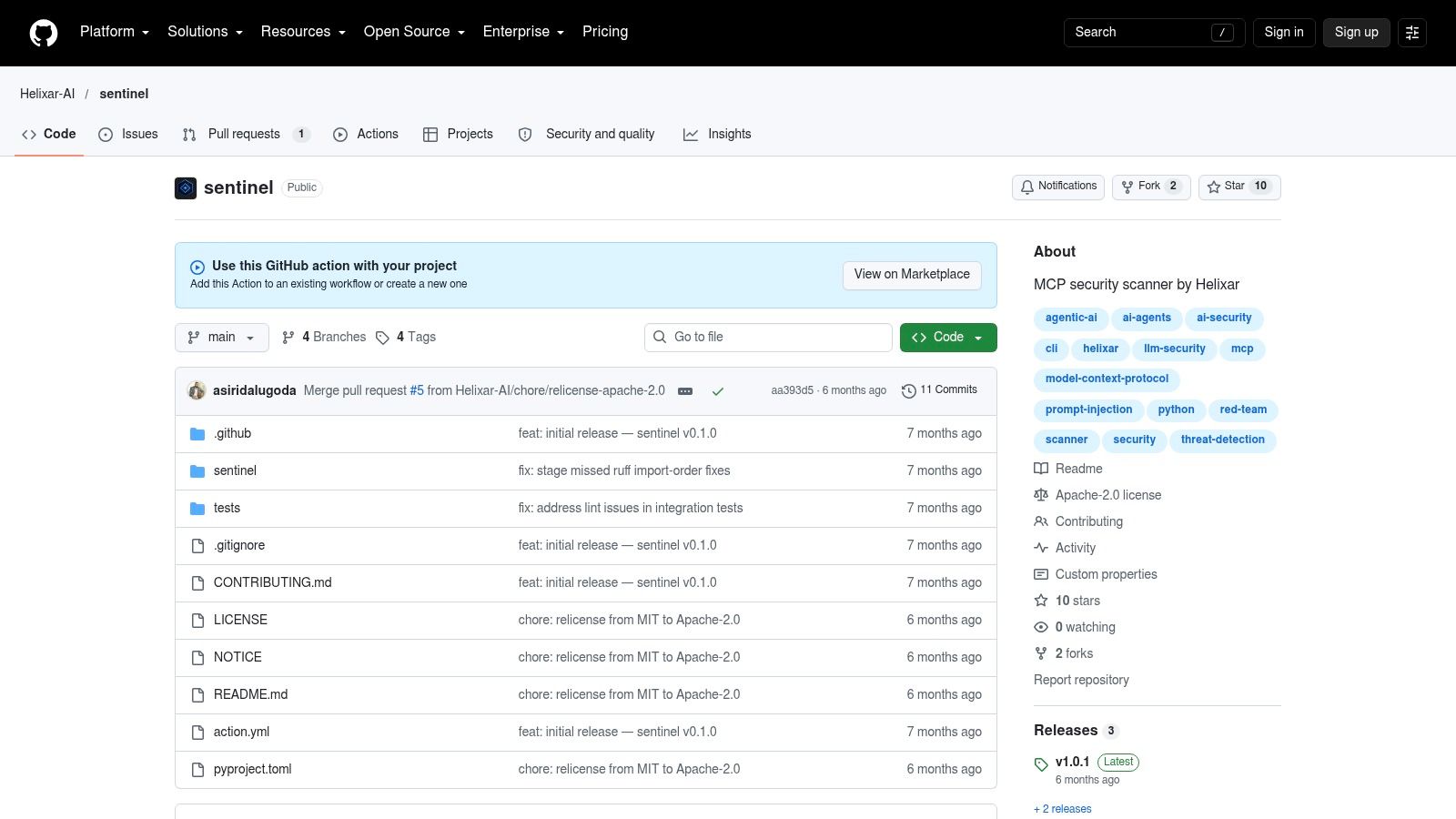
Choose Sentinel by Helixar when configuration files aren't the whole change. The GitHub Action and CLI can scan MCP server configurations, live endpoints, and Docker images or containers, then emit SARIF for GitHub Code Scanning. If a pull request adds a Dockerfile for the server alongside the four client configs, one tool can cover both surfaces.
Where the extra scope costs you
Endpoint probing and container inspection need network access, image pulls, and broader CI permissions than a config-only scan. The project states its Action isn't GitHub-certified. Pin the Action to a full commit SHA, restrict workflow permissions, and read the workflow before you grant it a token.
The scale argument for checking beyond syntax is concrete. A large-scale review of MCP server repositories on GitHub screened 17,845 repositories and identified 1,408, approximately 7.9%, as likely malicious. That's a screening result, not a measured exploit rate. Use it to prioritize review and least privilege, not as a claim about all deployments.
- Strength: Config, endpoint, and container targets in one project.
- Strength: Configurable
fail-onthreshold with a documented Actions example. - Limit: More setup and more CI permissions than static-only tools.
- Limit: Public adoption and independent evaluation evidence appears limited.
6. mcpscan by glatinone
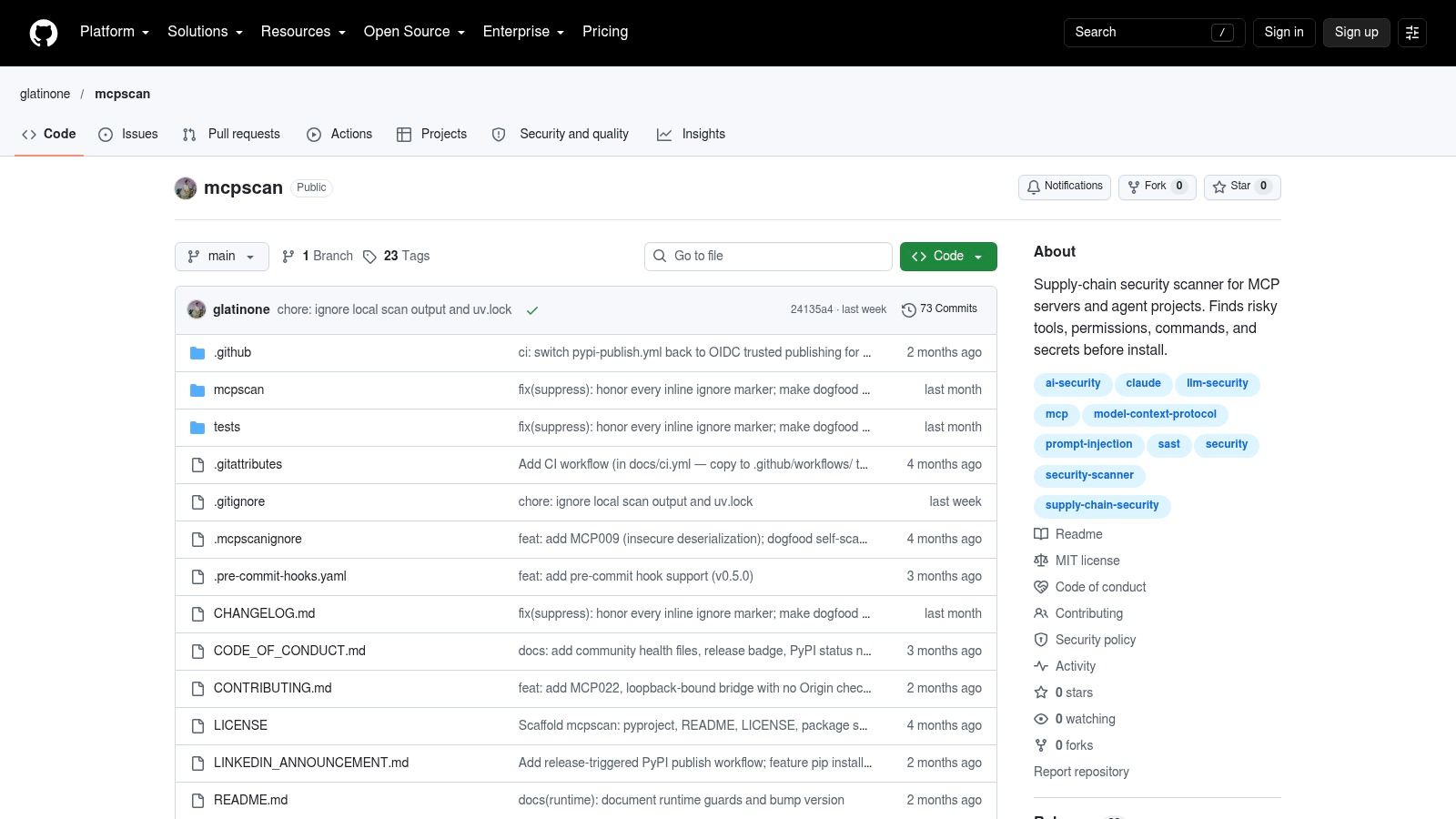
Static only is a feature, not a gap, for untrusted pull requests. mcpscan is a zero-dependency static scanner for MCP supply-chain and agent-project risks, with documented GitHub Actions workflows for pushes and pull requests. It checks permissions, commands, secrets, and selected workflow patterns around agent integrations, and outputs text, JSON, and SARIF.
That workflow coverage matters for the synthetic example. A PR that adds a safe .cursor/mcp.json but also widens GITHUB_TOKEN permissions in a workflow file has still expanded risk. Most config scanners won't look at the second file.
Know where results land before you make it required. Some findings surface in GitHub code-scanning alerts rather than directly on the PR Checks tab, which can confuse reviewers who only watch the merge box. Machine-level configuration discovery is limited to known paths, so don't treat it as fleet-wide inventory of every developer's home-directory config.
- Strength: No execution of untrusted pull request content.
- Strength: Quick local runs plus SARIF for GitHub Security reporting.
- Limit: Alert placement may sit outside the normal reviewer flow.
- Limit: Community rule coverage needs checking against your threat model.
Validate it with the risky synthetic variant. If the broad home-directory path and pasted token don't produce findings you can act on, it isn't your blocking control.
7. MCPSense
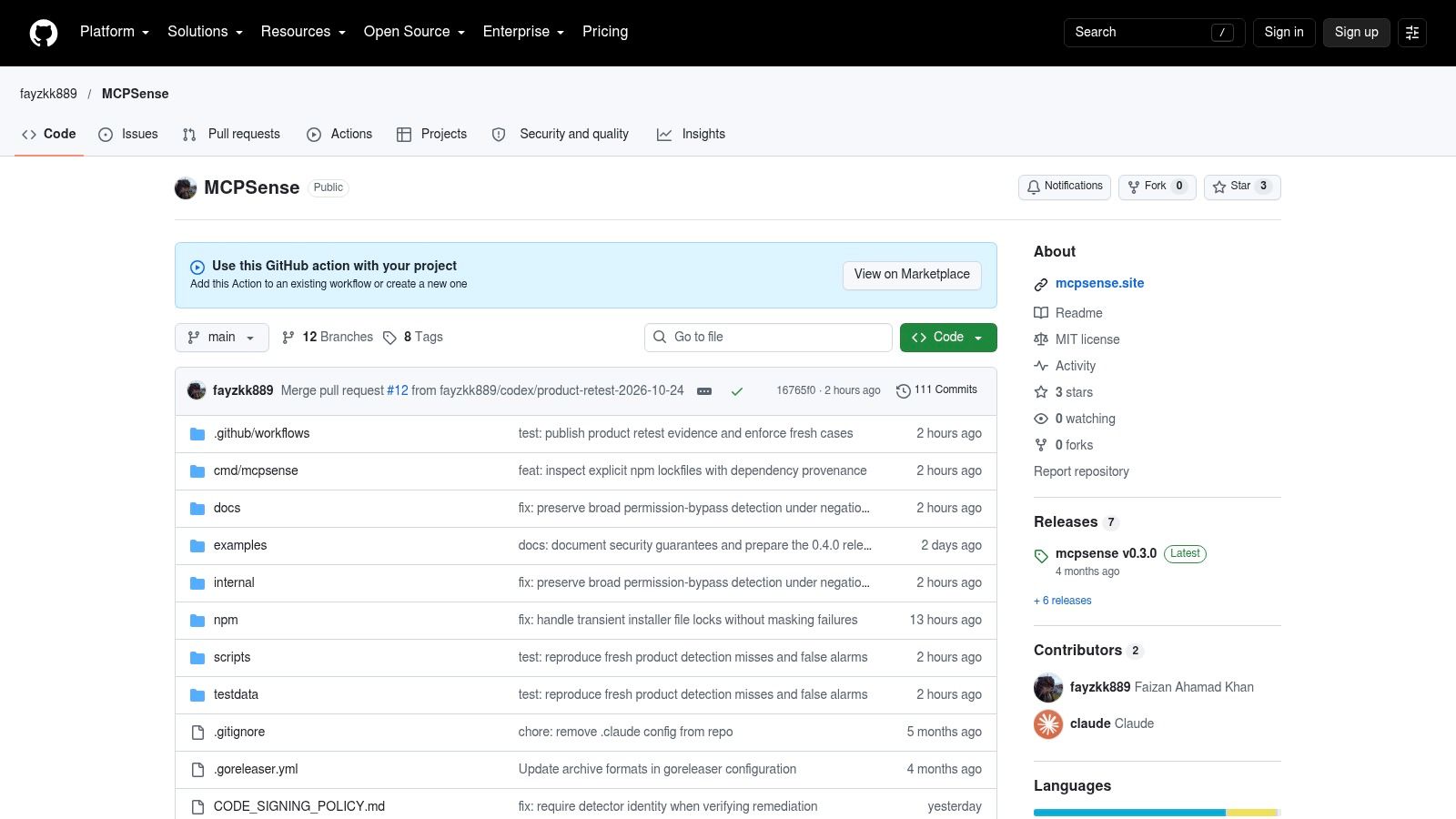
MCPSense names the failure mode that generic SAST misses. Its Marketplace listing describes checks for tool-description injection, invisible Unicode, command injection in client configuration, shell risks, and SSRF across MCP server source, client configs, and agent skills. Tool metadata is agent-facing input. A description that says one thing while the implementation does another is a real review target.
That focus aligns with academic evidence. An analysis of MCP server repositories found 7.2% contained at least one security vulnerability and 5.5% exhibited MCP-specific tool poisoning, with credential exposure accounting for roughly half of affected repositories. The same research describes MCPSecBench covering 17 attack types, which is a useful model for testing whether a scanner's claims hold up.
So test the claims. Build safe and unsafe samples, including a poisoned tool description and a hidden Unicode case, and record what fires. The Marketplace listing shows a very small project footprint, so you don't have adoption evidence to lean on.
- Strength: Covers source, configuration, and tool metadata together.
- Strength: Marketplace packaging makes an initial CI trial straightforward.
- Limit: Detection claims need validation on your own samples.
- Limit: Confirm permissions, releases, and pinning before use in sensitive repos.
8. AgentAvow MCP Security Scan
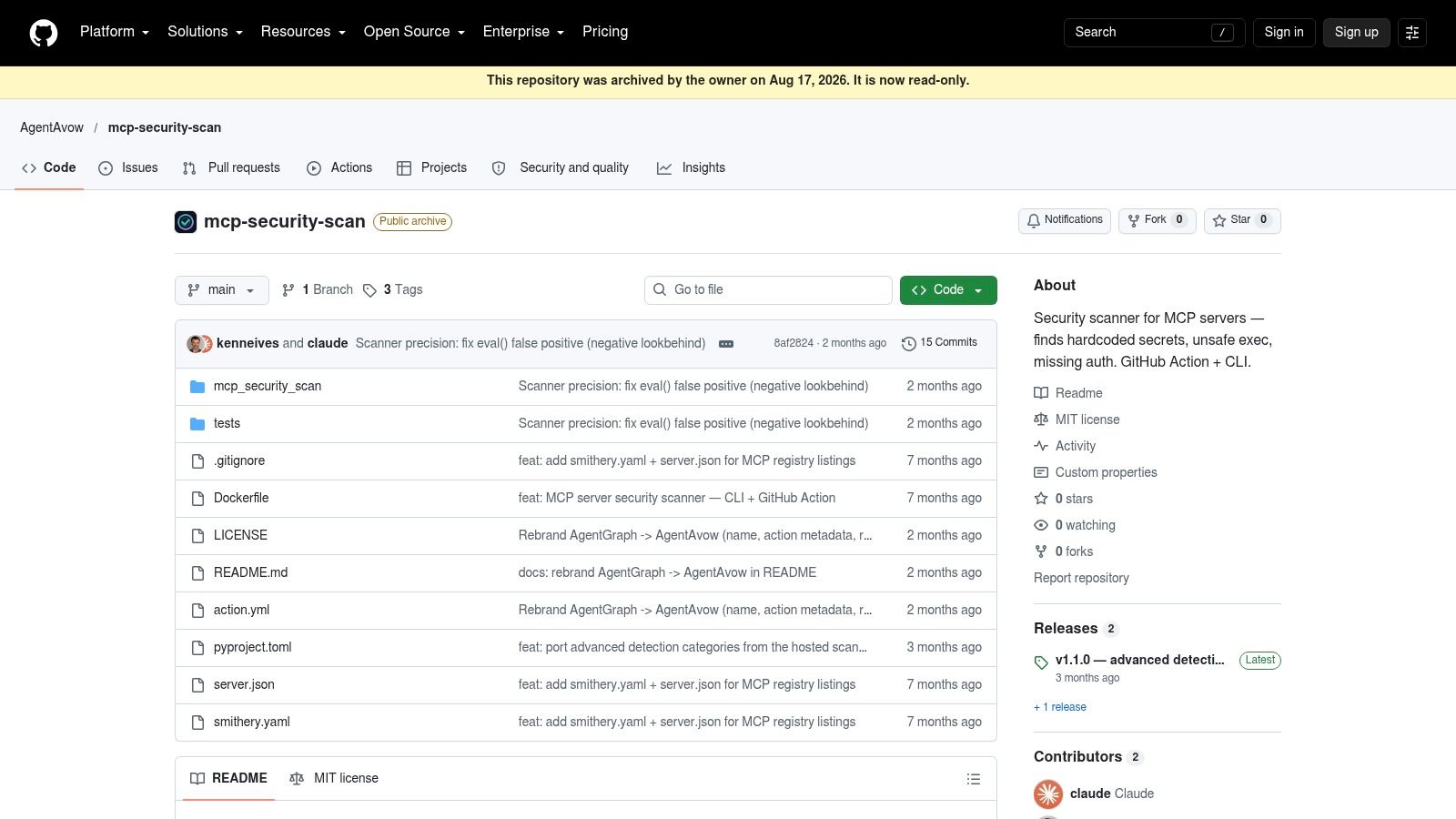
Findings reviewers never see don't change merges. AgentAvow MCP Security Scan posts detailed findings as pull request comments, supports a configurable fail-on severity, and exposes finding-count and trust-score workflow outputs that later steps can consume. Documented finding types include hardcoded secrets, unsafe execution, and missing authentication.
For the synthetic four-file change, a PR comment is useful. The reviewer sees the pasted token and the new shell command in the conversation, next to the diff that introduced them, instead of hunting through a separate security tab. It can scan the current repository or a specified GitHub repository, which helps when you're evaluating a server someone proposes adding.
Two cautions before you make it blocking. The project page doesn't establish paid support or an enterprise offering, and public usage evidence appears limited. Review rule coverage and data-handling behavior yourself, particularly what the Action sends where, before it runs on private code.
- Strength: Findings land where reviewers already work.
- Strength: Workflow outputs let other steps react to results.
- Limit: No established support or enterprise offering in cited material.
- Limit: Limited independent reputation evidence.
Reviewer rule: A comment is visibility. A required check is enforcement. You need the second one to stop a merge.
9. mcp-scan-action
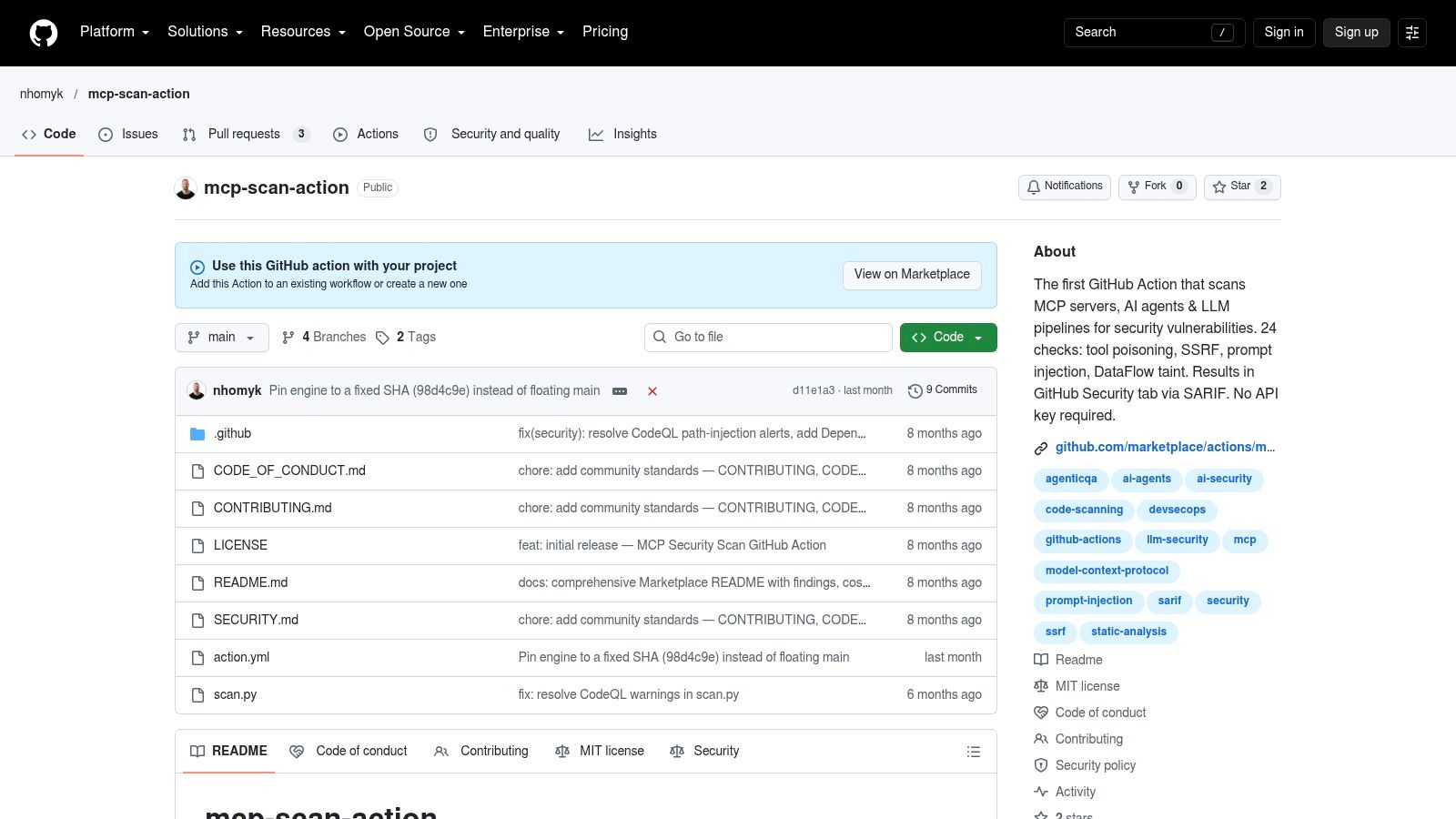
Treat breadth claims as a test plan. mcp-scan-action presents itself as an MCP server, AI-agent, and LLM-pipeline scanner for push and pull request workflows. Its listing claims 24 vulnerability checks across four scan engines, SARIF reporting to GitHub Security, and no API key requirement. Claims about tool poisoning, SSRF, and prompt injection coverage deserve samples, not trust.
Run it against the risky synthetic variant and check which of the stated categories fire. Then run the safe variant and count false positives. A scanner that flags both equally will get disabled within a month. Since the check lives in Actions, review the workflow hardening in this guide to GitHub Actions security before granting permissions.
Version drift is the other reason to retest regularly. A curated index of MCP security advisories and specification changes tracks how authorization guidance and SDK issues keep moving, including HTTP authorization, session isolation, DNS rebinding, and redirect handling. Record the scanner, specification, and SDK versions behind a passing result. A green check today can be stale after a protocol revision.
- Strength: Low-friction trial with no API key and SARIF output.
- Strength: Stated scope reaches beyond configuration into AI-related code.
- Limit: Limited public traction on the Marketplace page.
- Limit: Broad claims make independent validation mandatory.
10. MCPSafe
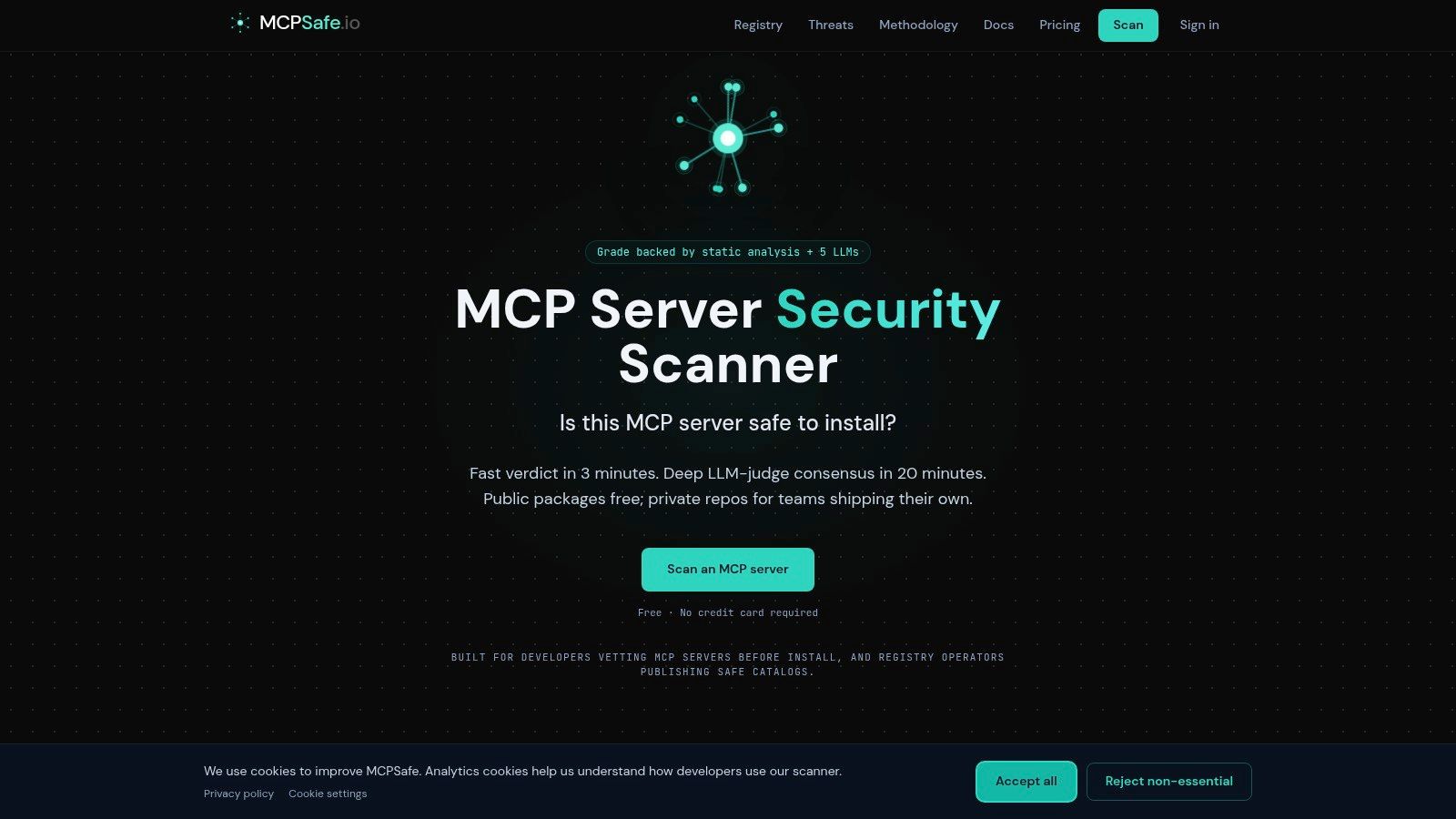
MCPSafe answers a different question from the other nine. It's a browser-accessible scanner that accepts a package name, GitHub URL, or registry ID and returns a security report, without an account according to its documentation. Use it when a reviewer asks a simple question mid-review. Should we even consider this server?
That's a pre-screen, not a gate. No automatic GitHub pull request status check is documented, so nothing stops a merge if nobody runs the scan. It also can't enforce your organization's policy on filesystem scope or credential handling, because it never sees your native Cursor, Claude Desktop, VS Code, or Continue files in the context of the diff.
Pair it with a broader reason to keep automated checks on every change. A large-scale study of public GitHub repositories analyzed 10,855 repositories and found more than 60% contained verified security issues. Popular projects averaged fewer findings per megabyte, but popularity didn't remove risk. Visibility isn't a control.
- Strength: Fast, low-friction evaluation of a newly proposed server.
- Strength: No workflow integration needed for a first look.
- Limit: Interactive use doesn't block merges or enforce policy.
- Limit: Limited published detail on methodology and commercial support.
Keep MCPSafe in the reviewer's toolkit. Keep enforcement in a required check.
Top 10 MCP Security Checks for GitHub Pull Requests: Feature Comparison
| Product | Core coverage | CI / runtime workflow | Standout value | Best fit | Price / access |
|---|---|---|---|---|---|
| 🏆 Foo Guard | ★ Deterministic, evidence-backed scans of agent configs, permissions, tools, and credentials | GitHub/CI policy gates; versioned Library; optional Gateway monitoring and enforcement for supported routed MCP requests | ✨ Reproducible grades, organization policies, and AI-assisted remediation kept separate from scoring | 👥 Teams seeking centralized configuration governance from review through supported runtime requests | 💰 Free no-account scan; paid rates not listed |
| mcp-audit | MCP configuration changes, risks, and remediation guidance | PR summaries, severity-based build failures, SARIF, baselines; CLI and editor extensions | ✨ MCP-focused change summaries and drift options | 👥 Teams wanting focused MCP reviews in GitHub workflows | 💰 Not stated |
| MCP Sentinel | MCP configs; optional endpoint enumeration and sandboxed package runs | GitHub Action for pushes and PRs; configurable failure thresholds | ✨ Clearly distinguishes static checks from live or sandboxed modes | 👥 Teams needing configurable CI checks and endpoint metadata | 💰 Not stated |
| Snyk Agent Scan | MCP configs, agent skills, and selected coding-agent environments | CLI for custom GitHub Actions workflows | ✨ Covers agent skills alongside MCP; experimental output and some modes may execute or make network requests | 👥 Teams comfortable integrating a scanner into custom workflows | 💰 Open source; pricing not stated |
| Sentinel MCP Security Scanner by Helixar | MCP configs, optional live endpoints, and Docker images/containers | GitHub Action, configurable failure threshold, SARIF | ✨ Multiple scan targets and remediation guidance | 👥 Teams wanting configuration checks plus optional endpoint/container scanning | 💰 Not stated |
| mcpscan by glatinone | Static MCP and agent-project risks, including selected workflow patterns | CLI and GitHub Action; text, JSON, and SARIF | ✨ Zero-dependency static scanning | 👥 Teams prioritizing local/CI checks without executing untrusted changes | 💰 Not stated |
| MCPSense | MCP server source, client configs, agent skills, and selected injection/config risks | GitHub Marketplace Action; multiple scan modes and output formats | ✨ Checks tool metadata and agent-facing descriptions | 👥 Teams seeking a packaged Action for source and config checks | 💰 Not stated |
| AgentAvow MCP Security Scan | Repository checks for secrets, unsafe execution, and missing authentication | GitHub Action; PR comments, severity gates, workflow outputs | ✨ Findings appear in PR conversations | 👥 GitHub teams wanting review-friendly scan results | 💰 Not stated |
| mcp-scan-action | MCP servers, agents, and LLM pipelines; listing claims 24 checks | GitHub Action for pushes and PRs; SARIF | ✨ Claims multiple scan engines and no API key requirement | 👥 Teams evaluating a low-friction GitHub scanner | 💰 Not stated |
| MCPSafe | Interactive MCP server checks by package, GitHub URL, or registry ID | Browser-based report; no automatic PR check documented | ✨ Quick manual review without an account | 👥 Reviewers checking a proposed server before approval | 💰 Free, no account required |
Choose a PR Check That Fits Your Workflow
A contributor updates an MCP configuration after review, then pushes a new commit. The required check must run against that latest commit, because GitHub's documentation on required status checks says checks from earlier commits do not satisfy the requirement. Confirm the scanner reports on the pull request's current commit SHA, and configure branch protection to require the check your team trusts.
Choose the reporting and gating model that fits your review process. AgentAvow and mcp-audit provide pull request comments, while SARIF output from Helixar's Sentinel, mcpscan, mcp-audit, and mcp-scan-action fits teams triaging findings in GitHub Code Scanning. In repositories with existing findings, check whether the tool supports baselines or drift detection. Blocking on the entire backlog can lead teams to disable a gate; start by blocking newly introduced high-severity findings, then tighten the threshold as the backlog is addressed.
Check what runs in CI, too. Static configuration scans can run on fork pull requests without executing the proposed configuration. Endpoint enumeration, container pulls, or command execution add different risks, so reserve those modes for schedules or protected branches. MCPSafe is a manual pre-screen rather than a pipeline check. Static findings still describe configuration, not runtime behavior.
That distinction matters: Red Hat's overview of the current MCP security situation describes an attack in which an assistant retrieved malicious text from a public GitHub issue, followed its instructions, and accessed and published sensitive data through a pull request. Static review can flag a configuration combining sensitive repository read access, public write capability, and no approval gate. It cannot establish how a model will handle every external document.
A clean static score is evidence of controlled configuration. It does not establish that an agent is safe from indirect prompt injection.
Use one synthetic least-privilege example to compare all ten checks across native Cursor, Claude Desktop, VS Code, and Continue configuration files. Confirm the supported paths first. For Cursor, Cursor's MCP documentation identifies .cursor/mcp.json for project tools and ~/.cursor/mcp.json for global tools, with an mcpServers object containing command, args, and env. Run the same four files through the Foo Guard native MCP example scan, then compare its static findings with those from the open-source Actions under review. Keep the synthetic @example/mcp-demo files inert. This tests the gate without executing a package.
For implementation detail, use the existing guide linked in the mcp-audit section. Pin the Action version, associate results with the commit SHA, and rerun checks when the MCP specification or SDK changes. Foo Guard's GitHub checks compare new, existing, and resolved findings with the pull request's base revision. Teams can make a policy threshold a required check to gate merges. Its check summary identifies the effective threshold and its source. Static checks and runtime controls address different parts of the review.