Static Code Analysis Tools: 10 Options Compared by Scope
Compare 10 static code analysis tools by language support, integrations, and use case, including where agent and MCP configuration files fit.
You add an MCP filesystem server to a native client file. The file declares a shell-capable tool, a hardcoded token, and no approval setting. A source code scanner may never open it, even though the file controls what an agent can do.
That risk is synthetic, including a fictional package label such as @example/mcp-demo, which you shouldn't install. A static configuration finding shows what the file declares before anything runs. Observed runtime behavior requires watching the agent act. The example can't prove a server is safe, a credential works, or a tool will stay inside its declared paths. Pinning a package version doesn't establish package safety, and a passing scan isn't a guarantee.
Static checks have roots in practical tooling, since the ACM history of static analysis notes Stephen C. Johnson created lint in 1978 for checking C programs. Use the native-format documentation for file type details, and don't assume a native client config must be rewritten into another schema. For broader background, see code analysis guidance for MSSPs.
This list compares 10 static code analysis tools by scope, inputs, integrations, limits, and fit. Start with what each tool reads.
1. Foo Guard
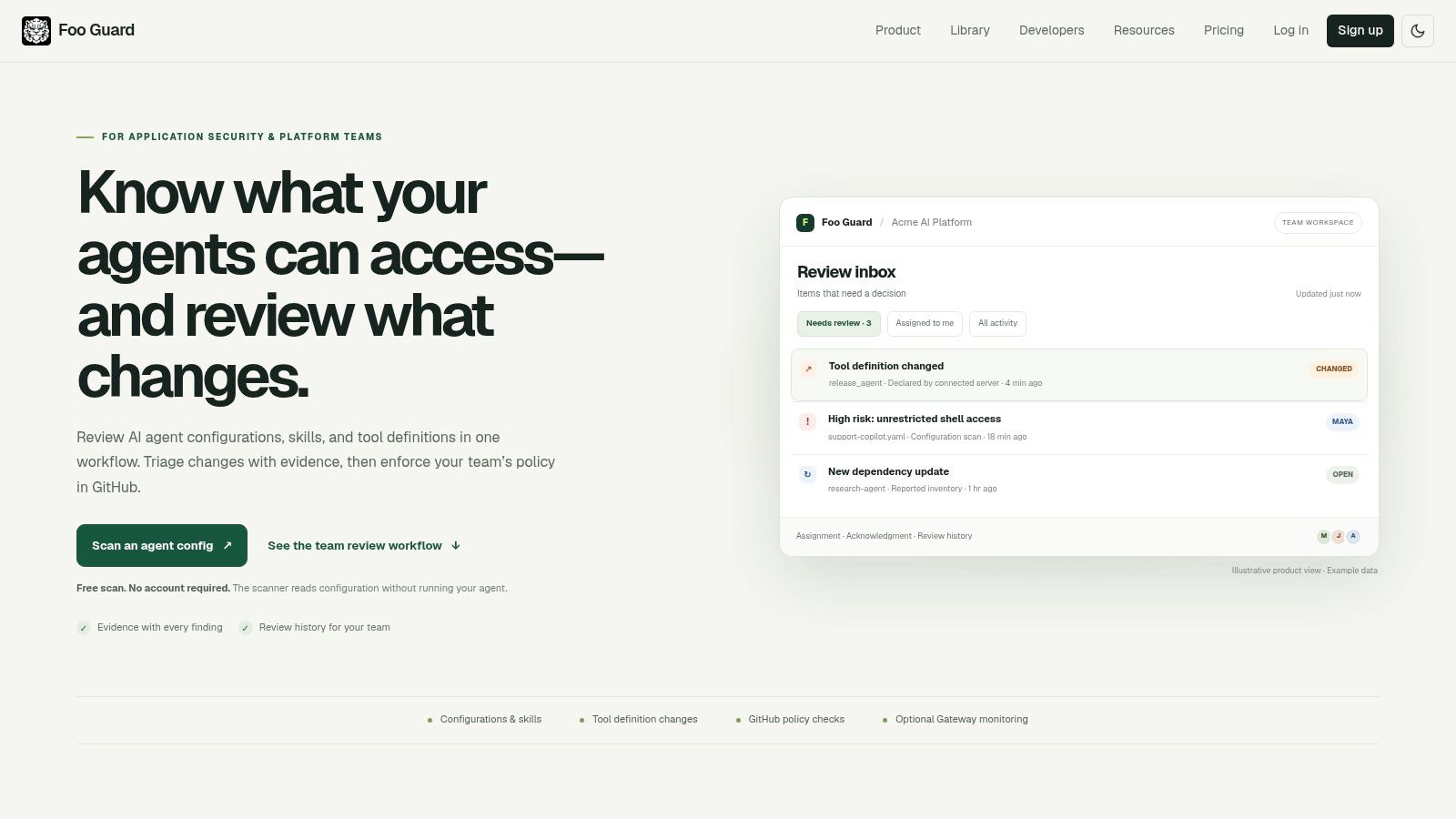
Foo Guard reads JSON and YAML agent files and MCP style tool definitions before deployment. Its deterministic scanner checks shell, filesystem, network, database, credential, and approval settings. Findings carry evidence, a security score, and a grade, so the same file and policy produce repeatable results.
What It Can Gate
Teams can set policy as code, organization thresholds, and GitHub pull request or CI checks. A versioned Library, commit linked history, CLI, and REST API support shared review. Optional AI assisted remediation suggests changes, but it doesn't decide the deterministic score. For supported MCP requests routed through its Hosted Gateway, teams can monitor activity and apply allowlists, argument validation, deny rules, and blocks.
- Strength: Evidence backed findings make config review reproducible in pull requests.
- Strength: Secret like values are redacted before storage, and free scans don't need an account.
- Limit: Static scans assess configuration, not live agent behavior or model conversations.
- Limit: Gateway visibility applies only to supported requests routed through it.
I recommend it when the risky unit is an agent configuration, not application source. It maps controls to OWASP and SOC 2 criteria as review aids. That's not certification, and a clean result doesn't prove safety.
2. Semgrep
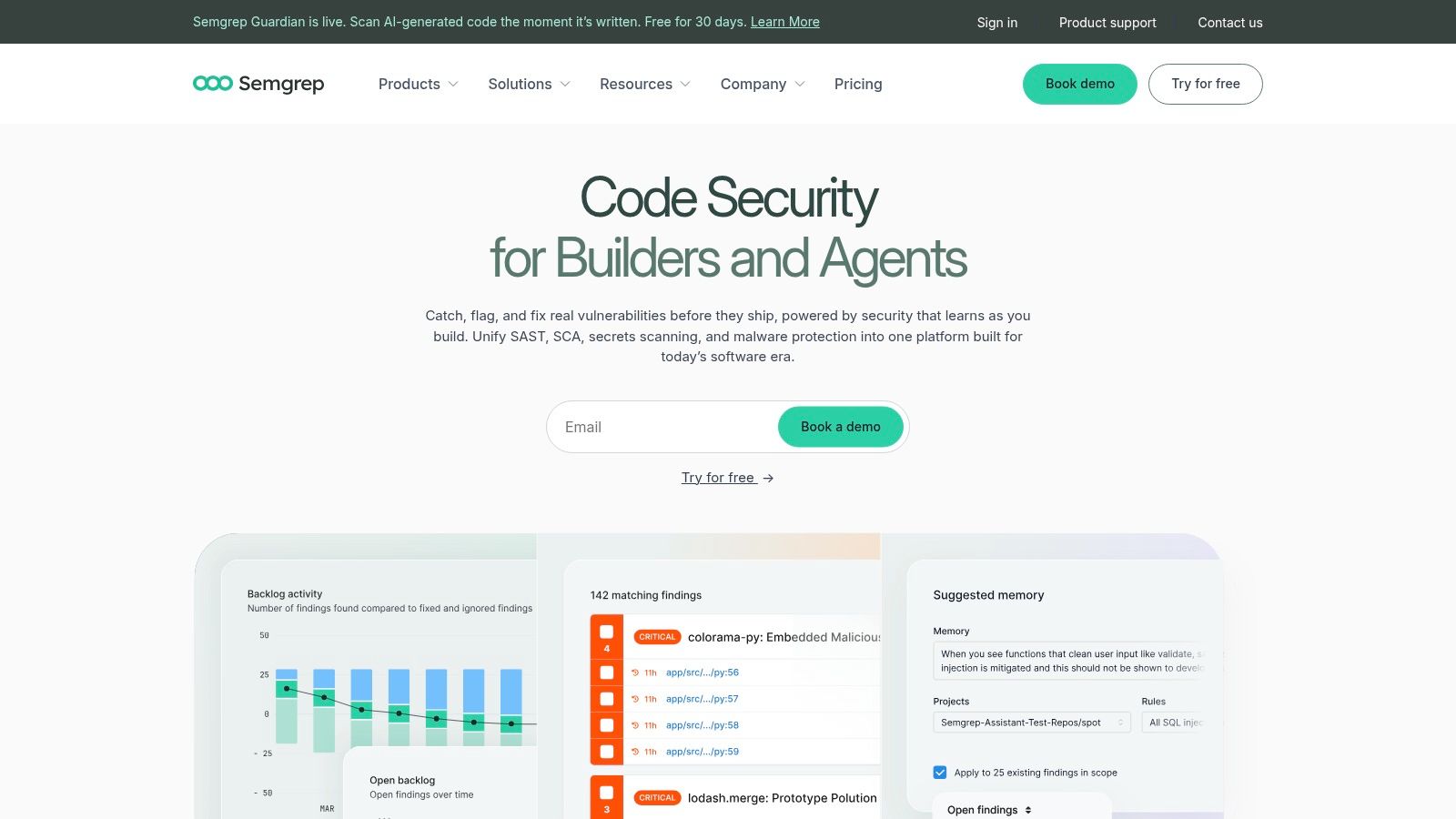
Semgrep is a fast, developer oriented engine for security issues, bugs, and coding standards in source code. Its rules look close to the code they match, which makes custom project rules easier to inspect and adapt. The open source Community Edition runs locally and supports more than 30 programming languages. Commercial plans add cross file analysis and centralized results.
Custom rules matter because generic coverage leaves gaps. A qualitative analysis reported in Empirical Software Engineering concluded static tools could in principle detect up to 76% of 1,323 defects identified through code review, with project specific rules a major path to better coverage.
- Strength: Free local scanning fits early CI adoption.
- Strength: Rules can run in the CLI and CI.
- Limit: Community and paid platform capabilities differ, so don't assume feature parity.
- Limit: It reads source patterns, not agent permission policy in native client files.
For pipeline placement, compare it with other CI and CD security tools before you commit. I recommend Semgrep when your team will write and maintain its own rules.
3. SonarQube
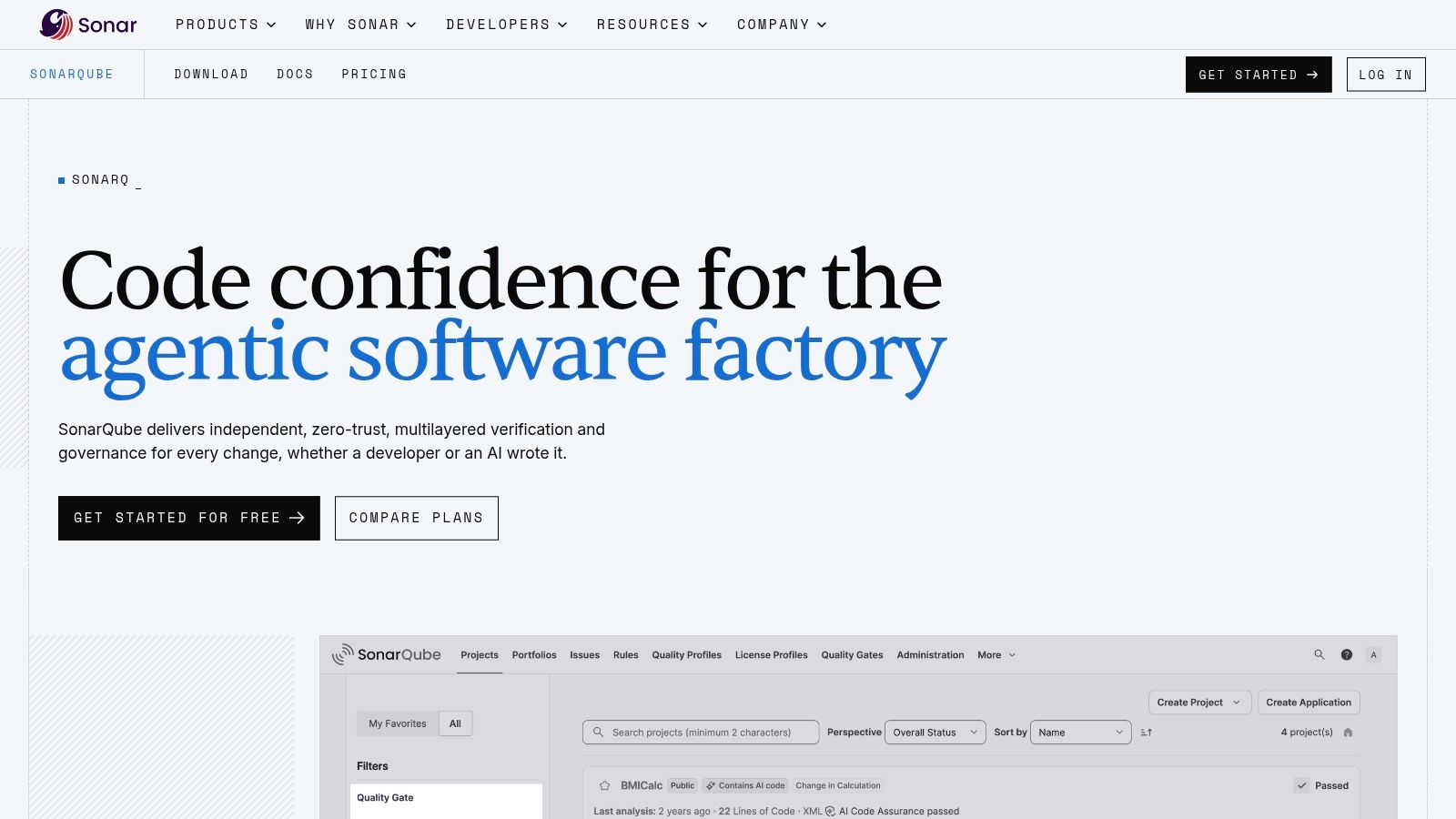
SonarQube combines code quality and security analysis in one platform. It reports vulnerabilities, bugs, and maintainability problems such as code smells. Quality gates give pass or fail signals in pull requests and CI, which helps teams apply consistent merge criteria.
You can run it as a cloud service or self managed server software. A free Community Build and free cloud options exist for some uses. Cloud pricing for private projects is based on lines of code, so large repositories need cost checks before rollout.
A quality gate is useful only if the rule set matches the risk you actually need to block.
- Strength: Quality and security findings share one workflow.
- Strength: Integrations cover major source control and DevOps platforms.
- Limit: Language support and advanced security features vary by plan.
- Limit: Code analysis doesn't review agent permissions or tool definitions.
If you're formalizing gates, these policy as code examples show the pattern to adapt. I recommend SonarQube when maintainability and security need one shared dashboard, not when MCP config review is the main job.
4. Snyk Code
Snyk Code is a SAST product that surfaces code vulnerabilities through IDE, CLI, and source control workflows. It provides remediation guidance and automated fix capabilities. Teams can combine it with Snyk tools for software composition, containers, and infrastructure as code.
Treat generated fixes as drafts. A controlled 2025 study available on arXiv found five rounds of AI assisted code improvement increased critical vulnerabilities by 37.6%. That doesn't indict one vendor. It shows why you shouldn't let iterative fixes merge without rescanning and human review.
- Strength: A free plan gives an accessible entry point.
- Strength: Developer integrations put findings near writing and review.
- Limit: Free and paid tiers have different project and scan limits.
- Limit: Some enterprise capabilities require contacting sales.
I recommend it for teams already using Snyk for dependencies or containers and wanting source findings in the same platform. It doesn't replace a scanner built to read agent tool permissions, approval settings, or MCP declarations.
5. GitHub CodeQL
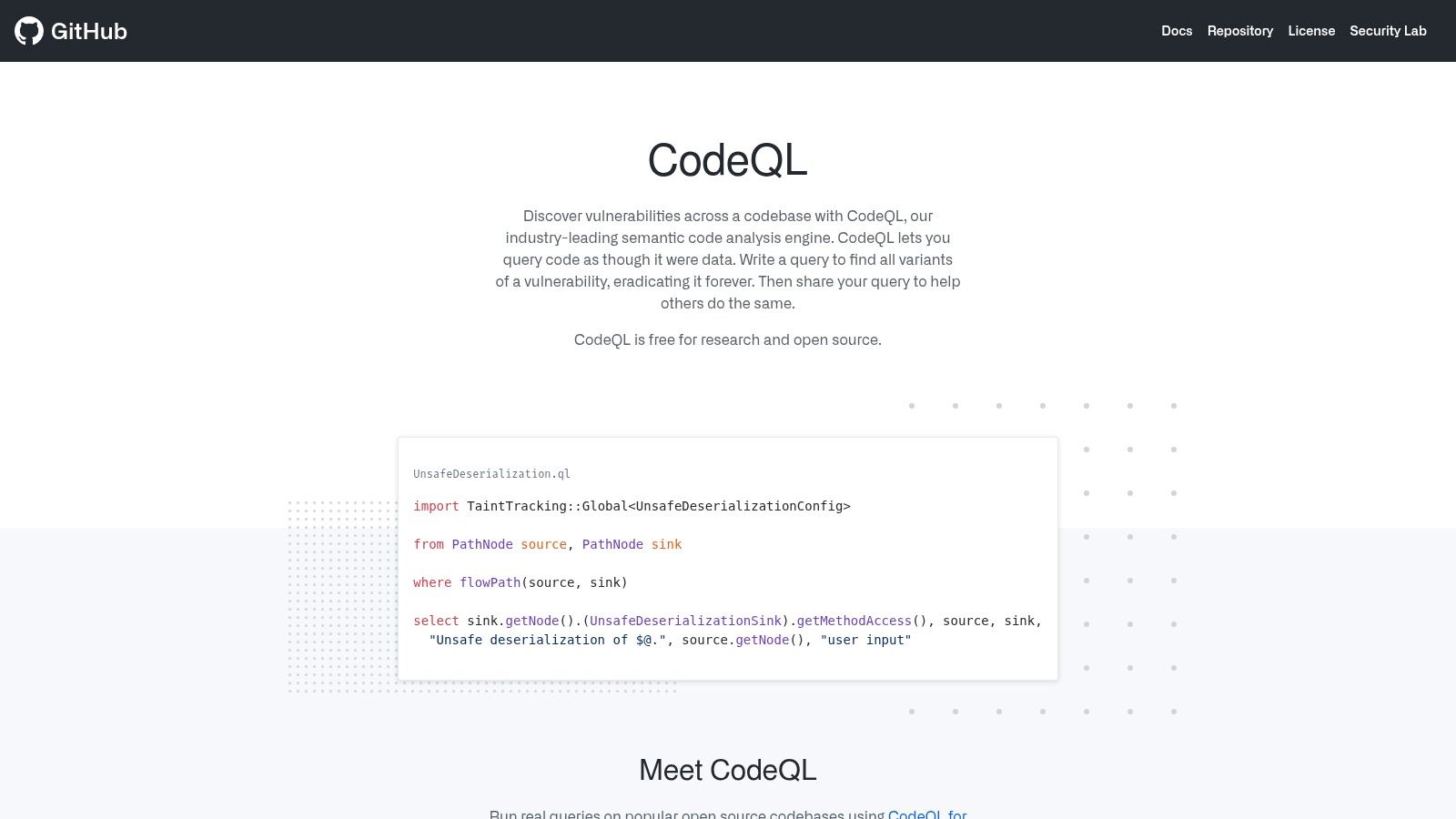
GitHub CodeQL builds a database representation of a codebase, then runs queries for security vulnerabilities and coding errors. Teams can use built in suites or write custom queries in the CodeQL language. Results can appear as code scanning alerts inside GitHub, which suits repositories already centered there.
Its depth still has limits. The ISSTA 2024 study page describes 319 real world vulnerabilities from 815 vulnerability contributing commits across 92 C and C++ projects, where one SAST tool produced warnings in vulnerable functions in 52% of those commits.
Fit and Cost
- Strength: Custom queries support specialist security analysis.
- Strength: Public repository scanning doesn't need the paid private repository feature.
- Limit: Custom queries require learning CodeQL and ongoing maintenance.
- Limit: Private repository scanning requires GitHub Code Security on an eligible plan.
Pair it with sound GitHub security settings, especially branch protection. I recommend CodeQL for GitHub native source analysis, not for governing agent configuration policy or runtime tool calls.
6. GitLab SAST
A new service hits a GitLab merge request. GitLab SAST selects analyzers from the languages detected in the repository and sends results into GitLab security views and the merge request. It runs on GitLab.com and on self-managed installs, inside GitLab CI/CD, so the scan stays with the same platform that hosts the code.
Advanced SAST adds cross-file and cross-function taint analysis on supported configurations. Basic scans are available across tiers. Advanced analyzer and results management features depend on tier. That split matters in procurement: the demo workflow may not match the plan you buy.
Most of the gap is configuration, not the analyzer list. A Brunel hosted summary of the 2024 ACM and IEEE study reports 59% of SAST users didn't use multiple tools, 54% didn't configure their tools, and 40% did neither.
GitLab SAST is convenient when GitLab already hosts the code and the pipelines. It is most useful when GitLab is the primary platform.
New platform owners should assign rule tuning early, much like effective IT team onboarding steps assign ownership.
It reads source for weaknesses. It does not govern agent configuration files, so it will not gate a pull request on native client config.
7. Qodana
A pull request that only edits a client config file gives Qodana nothing to inspect. It reads source through JetBrains code inspections, then applies those language-specific rules in CI.
Developers see the inspection in the IDE. The pipeline runs the same rule on the branch. Reports, baselines, and quality gates record existing findings so day-one debt does not fail every change.
The scan runs in your CI environment. Qodana Cloud stores the report. It does not host the analysis or the code.
Community, the free edition, covers fewer languages. Paid editions add broader language coverage and security checks, and Ultimate Plus includes taint analysis. JetBrains publishes edition pricing and the feature split. The free edition is narrower than many teams expect.
Practical rule: If developers ignore an inspection in the IDE, moving it to CI will not make it credible. Tune it first.
I recommend Qodana when the team already uses JetBrains inspections as the quality bar and wants that bar on pull requests. Agent and MCP configuration files are outside what those inspections read.
8. Checkmarx One SAST
Checkmarx One includes SAST inside a broader application security platform. Its engine analyzes source structure and data flow to identify weaknesses before deployment. A Query Editor supports additional or customized queries for specialized rules.
Organizations can package SAST with other testing modules and choose SaaS or self hosted deployment. That breadth suits enterprise AppSec programs. It can also exceed what a small team needs for basic scanning, especially when nobody owns tuning, triage, and exception review.
- Strength: Customization supports specialized analysis needs.
- Strength: Multiple package and deployment choices fit varied environments.
- Limit: Public list pricing isn't provided, so you'll need a quote.
- Limit: Supported languages, frameworks, and deployment requirements need verification during evaluation.
Evidence supports caution about raw warning volume. An ACM study of SAST for secure code review found at least 76% of warnings in vulnerable functions were irrelevant to the vulnerability contributing change. I recommend Checkmarx when you need an enterprise platform and staff to run it.
9. OpenText Fortify Static Code Analyzer
Fortify Static Code Analyzer scans source code for security specific coding rule violations. It runs from the command line, IDEs, or build systems. Teams can review findings locally or upload them to Fortify Software Security Center for centralized review.
Customer specific rules support organization checks that generic rule packs miss. That's valuable when internal wrappers, approved crypto libraries, or forbidden APIs define your real standard. The trade off is setup. Choosing and operating the right Fortify components requires evaluation, and coverage depends on supported languages, frameworks, and configuration.
Where It Fits
- Strength: Several workflows fit different development processes.
- Strength: Centralized review supports larger AppSec programs.
- Limit: Public pricing wasn't provided in the reviewed documentation.
- Limit: A source rule violation doesn't describe an MCP server's declared tools or approvals.
I recommend Fortify for established programs that need custom source rules and central governance. Don't buy it to answer whether a client config grants broad filesystem access. That file needs a configuration aware check.
10. Black Duck Coverity
Coverity is Black Duck's static analysis product for code defects and security issues. It's positioned for smaller projects through large, complex applications, with IDE and CI integrations. Teams can also use it inside Black Duck's broader application security platform.
Know its boundary before you trust the result. A 2025 study indexed by Hrčak reported conventional tools missed approximately 53.3% of identified vulnerabilities in AI generated C programs. Static analysis can find risky structure deterministically. It can't prove runtime behavior or account for services it didn't observe.
- Strength: It's a dedicated analyzer, not only a general code quality service.
- Strength: It may suit organizations with mature AppSec programs and large codebases.
- Limit: Public list pricing wasn't identified, and licensing requires a quote.
- Limit: Language, framework, and CI support should be validated against your repositories.
I recommend Coverity when deep source defect analysis is the priority and lighter checks aren't enough. For agent configs, pair source scanning with config review and runtime controls rather than stretching one tool past its input.
How the 10 tools differ by primary focus, free option, deployment, and agent configuration review
| Item | Primary focus | Free option | Deployment | Agent or MCP config review |
|---|---|---|---|---|
| Foo Guard (Recommended) | Agent configuration security and governance | Free scan without an account | Web scans, CI/CD, CLI, API, and hosted gateway | Yes; scans agent and MCP-style configurations |
| Semgrep | Static analysis for code security, bugs, and standards | Open-source Community Edition | Local CLI and commercial platform | No; focuses on source code |
| SonarQube | Code quality and security analysis | Free Community Build and some free cloud options | Cloud or self-managed | No; focuses on source code |
| Snyk Code | Static code vulnerability analysis | Free tier with limits | IDE, CLI, and source-control workflows | No; focuses on source code |
| GitHub CodeQL | Code security and error analysis | Public-repository scanning | GitHub code scanning and analysis workflows | No; focuses on source code |
| GitLab SAST | Static application security testing | Basic scans available across tiers | GitLab.com or self-managed | No; focuses on source code |
| Qodana | Code inspections and quality gates | Free Community edition with limited language coverage | Analysis in CI; Cloud provides reporting | No; focuses on code inspections |
| Checkmarx One SAST | Enterprise static application security testing | No free option stated | SaaS or self-hosted | No; focuses on source code |
| OpenText Fortify Static Code Analyzer | Source-code security rule analysis | No free option stated | IDE, command line, build systems, and optional centralized review | No; focuses on source code |
| Black Duck Coverity | Static analysis for code defects and security issues | No free option stated | IDE, CI, and broader Black Duck platform | No; focuses on source code |
Pick Each Tool by What It Reads, Then Gate the Pull Request
Match the tool to the input first. Source code needs SAST or quality analysis. Pipeline results need reporting, baselines, and gates. Agent and MCP configuration files need checks for declared tools, permissions, credentials, endpoints, and approvals. Comparing features before sorting inputs produces the wrong shortlist.
For native Cursor, Claude Desktop, VS Code, and Continue files, confirm exact file names and locations in the native format documentation before publishing a policy. Don't rewrite a native client config into another schema unless the documentation explicitly requires it. A scanner can inspect declared content, but it can't prove a client will load the file or that runtime behavior will match the declaration.
Review the Synthetic Example
Remove shell or filesystem tools the agent doesn't need. Narrow any remaining paths to the working directory the task requires. Keep credentials out of plain text, and require approval for actions that write, execute, or send data.
- Least privilege: Delete unused tools before you tune warnings.
- Credentials: Treat a hard coded token as a finding, not as proof it was used.
- Pinning: Pin package versions for reproducibility, but remember pinning doesn't establish package safety.
- Synthetic label: Any sample package, including @example/mcp-demo, is fictional. Don't install it.
Prioritize changed code during triage. Research on arXiv covering 258 open source embedded repositories found only 10 projects, or 4%, used an advanced SAST tool in CI. That adoption gap is why the gate matters. A GitHub pull request check can block a merge when your threshold fails, and integrating review automation into CI/CD explains the broader workflow.
A clean result isn't a guarantee of safety or certification. OWASP and SOC 2 mappings are review aids, not compliance certification. Our Free plan is $0, and Team is $57 per month for 3 seats. Check current terms on fooguard.com before budgeting.
Use the how to read an assessment guide to interpret findings, then open the synthetic example scan. Your next step is concrete. Pick one native config, run the matching scanner on the pull request, and block only new high risk declarations until the baseline is clean.
Run your next agent or MCP config through a deterministic pull request check before it merges, with evidence attached to risky tools, permissions, credentials, and approval settings. Visit Foo Guard to scan a JSON or YAML configuration for free and review the findings before deployment.