10 AI Agent Security Tools Developers Should Check
Compare 10 AI agent security tools for pre-deployment config scans, runtime gateways, and CI/CD policy checks across MCP and agent setups.
You're about to merge an MCP configuration and the diff looks harmless. It adds one server, a command, and two environment variables. Read it as a capability grant, not as setup glue. This complete example is synthetic, so don't install it:
- Server name: demo-tools
- Command: npx with @example/mcp-demo and no pinned version
- Tools requested: shell execution, file read and write, outbound network calls
- Filesystem scope: wildcard access to the whole workspace and home directory
- Credentials: a live looking API token pasted in plain text
- Approvals: none required for write or delete actions
That one file gives an agent a terminal, broad file access, and a secret, with no human checkpoint. Pinning the package version wouldn't fix it. Pinning tells you which release runs, it doesn't establish that the release is safe. Review the permissions, narrow the paths, move the credential out, and require approval for destructive calls.
You don't need to rewrite native Cursor, Claude Desktop, VS Code, and Continue files into a vendor schema to review them. Check the native-format documentation for what's accepted, run the example native MCP scan, and validate DNS egress for AI agents before you allow outbound calls. A static review of this file can't prove how the agent behaves at runtime. It can only show what you've declared. That's why the AI agent security tools below are grouped by lifecycle position. Some review configs before deployment, some watch or enforce behavior while traffic runs, and some do platform level posture work. You'll likely need one from the first group and, where you can route traffic, one from the second.
1. Foo Guard
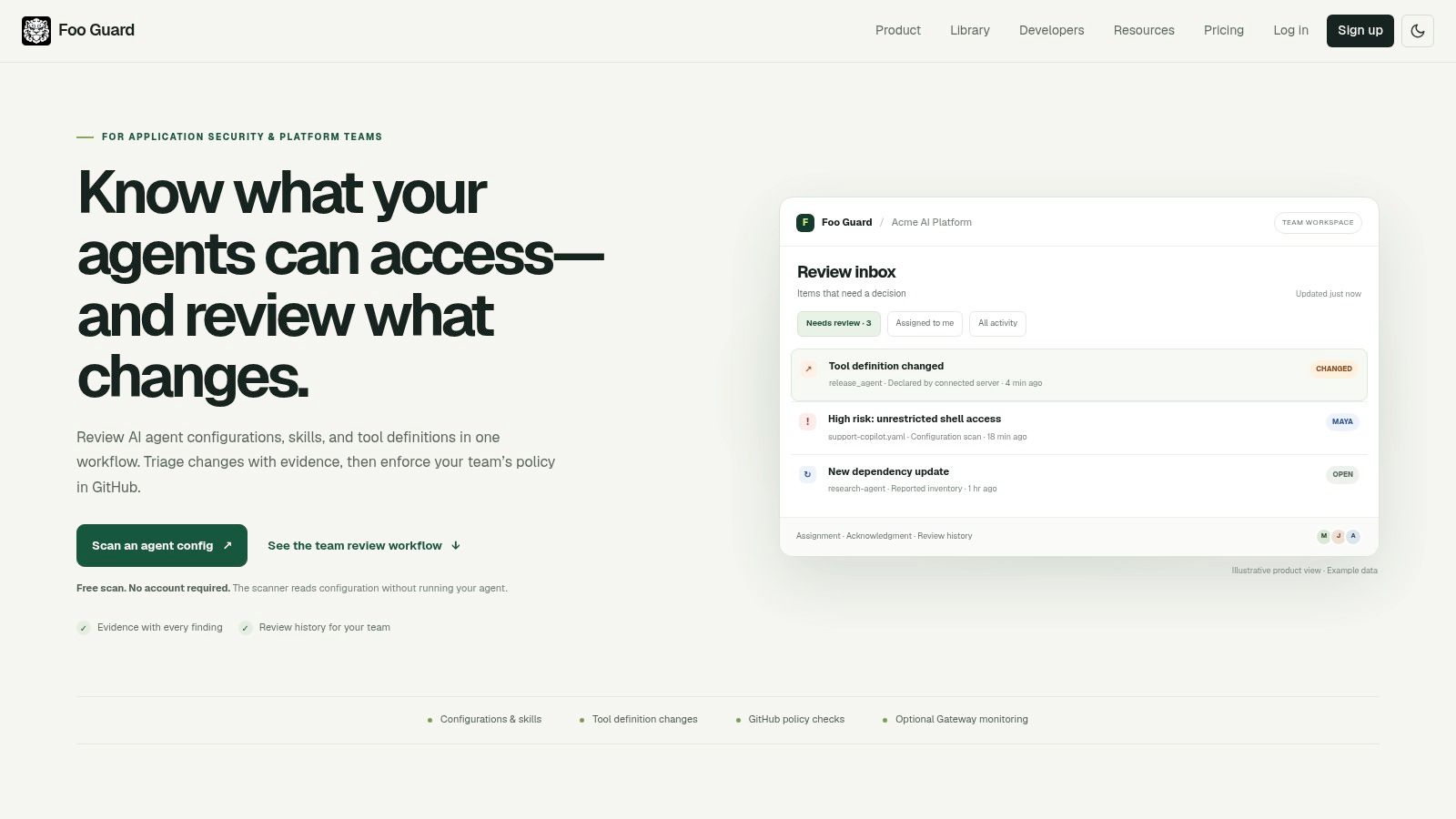
A pull request adds an @example/mcp-demo agent configuration. Before merging, check whether its declared tools, permissions, credentials, and approval settings fit your policy. Foo Guard accepts a pasted or uploaded JSON or YAML configuration and analyzes it without running the agent.
The scanner reviews shell, filesystem, network, database, and approval settings. Its deterministic findings include evidence, severity, scores, and grades, with 30 configuration checks covering rules such as AG-004 Embedded Credential, AG-008 Wildcard Permission, and AG-013 Shell or Command Execution. A clean static scan is not a safety guarantee: it evaluates the configuration, not the agent's behavior at runtime.
Policy and Workflow Fit
Teams can set thresholds in .fooguard.yml and apply organization policy across repositories. The CLI, REST API, GitHub Action, and GitHub checks support local scans and CI enforcement, including failing a pull request when a configuration violates policy. The versioned Library stores reviewed configurations and their history.
Use a redacted copy with placeholders instead of live credentials. Foo Guard detects and redacts secrets during analysis, and does not persist credential values or raw evidence. For supported MCP requests routed through its Hosted Gateway, teams can monitor activity, review request history, apply allowlists and argument validation, and block requests. Gateway coverage is limited to traffic routed through it.
- Pros: Deterministic, evidence-backed findings; CI, CLI, API, and GitHub workflows; anonymous in-browser scans that are not saved.
- Cons: Static analysis cannot prove runtime safety, and Gateway controls apply only to supported routed traffic. The Team plan costs $57 per month for 3 seats, with a 3-seat minimum and $19 per month for each additional seat.
Foo Guard is a fit when agent configuration review needs to become a repeatable pre-deployment check.
2. Snyk Agent Scan
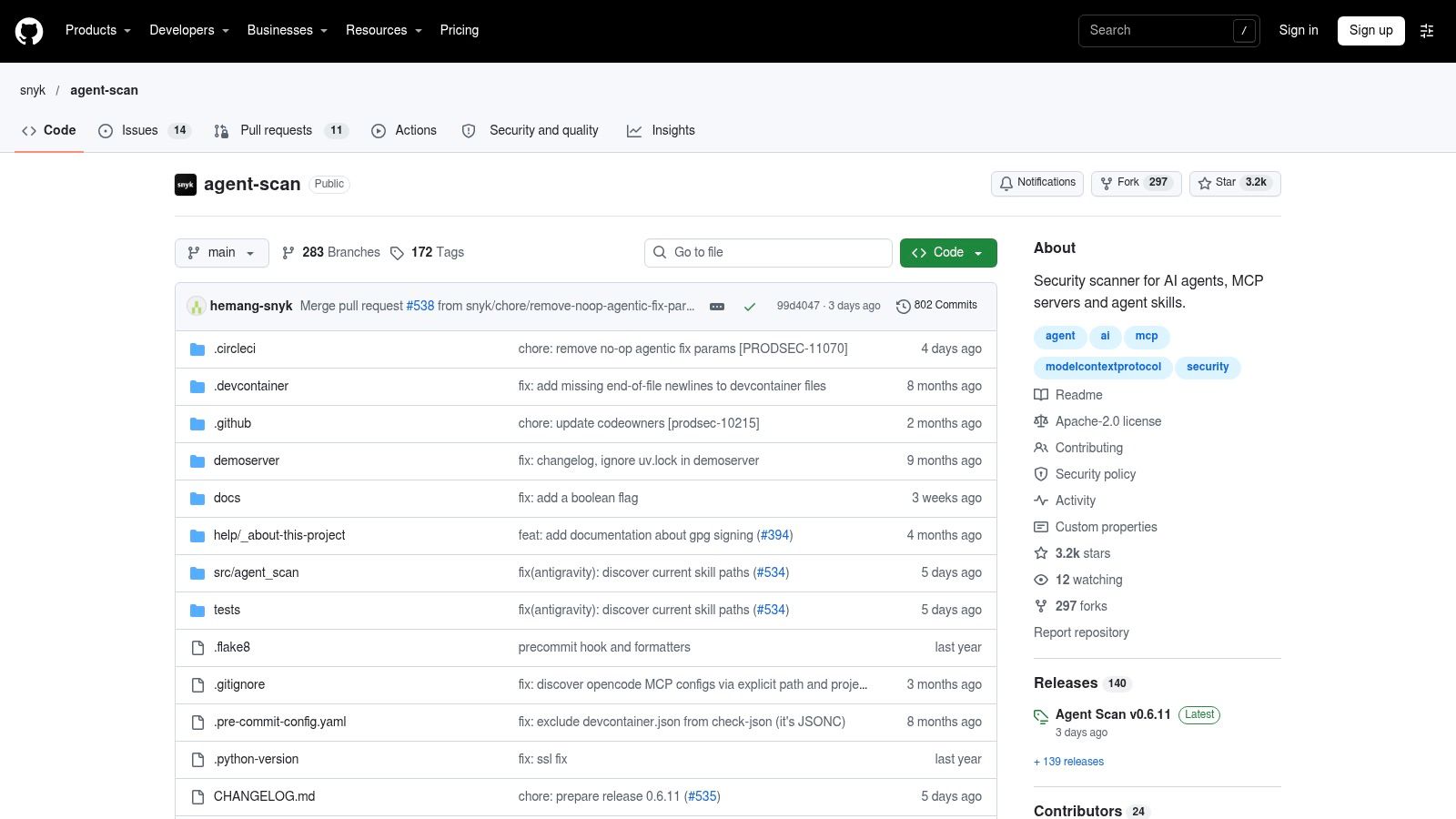
If you want a local, scriptable first pass, start here. Snyk Agent Scan is an open-source CLI that discovers and inspects local agent configurations, MCP servers, tools, and skills. It reads MCP server tool descriptions and component metadata, emits structured output you can pipe into CI, and asks for consent before contacting discovered MCP servers during interactive runs, so you can see what it'll touch before it connects.
The need for that inventory is not theoretical. A Dimensional Research survey of 353 technology professionals found that 82% of organizations already use AI agents, but only 44% have policies specifically intended to secure them, and 80% reported that agents had taken unintended actions. Knowing which servers and tools exist on a developer machine is step one.
Where It Stops
Treat this as component discovery and inspection, not governance. It won't give you organization policy, baseline regression tracking, or runtime enforcement, and it won't approve a config for release. Be careful with inspection modes that contact remote servers or start local server commands. An untrusted config can point at an untrusted command, so run first contact in a sandbox.
It pairs well with a deterministic pull request gate. For that pattern, follow the guide to MCP security checks in GitHub pull requests instead of inventing your own wiring.
- Pros: Open source, CLI first, easy to script locally and in CI.
- Cons: No full governance or runtime enforcement, and active inspection needs care around untrusted configs.
3. Invariant Labs Guardrails and MCP Scan
Invariant Labs focuses on runtime enforcement, with a scanning component for MCP servers. Its gateway mediates agent and MCP interactions. Context-aware rules can consider data flow and interaction history, allowing policies to restrict tool calls after an agent has read sensitive data.
Visibility depends on routing. Reporting summarized by Salt Security on agent visibility gaps found that only 12.5% of organizations could consistently trace a complete agent path, while more than 60% would need hours or days to reconstruct what an agent did the previous day. A gateway can record the calls it routes, but it cannot account for traffic that bypasses it.
A gateway can explain what it routed. It can't explain a config that never went through it.
Plan for integration work: route LLM and MCP traffic through the gateway, then define data flow rules. Keep a separate pre-deployment review for configuration files, since gateway controls do not show whether a repository contains a wildcard permission. Pricing is not published publicly, so contact Invariant Labs for a quote. The guide to AI agent guardrails and where to apply them explains the placement trade-offs.
- Pros: MCP scanning and contextual enforcement for routed traffic.
- Cons: Coverage ends where routing ends; it does not replace configuration review.
4. Autonomous
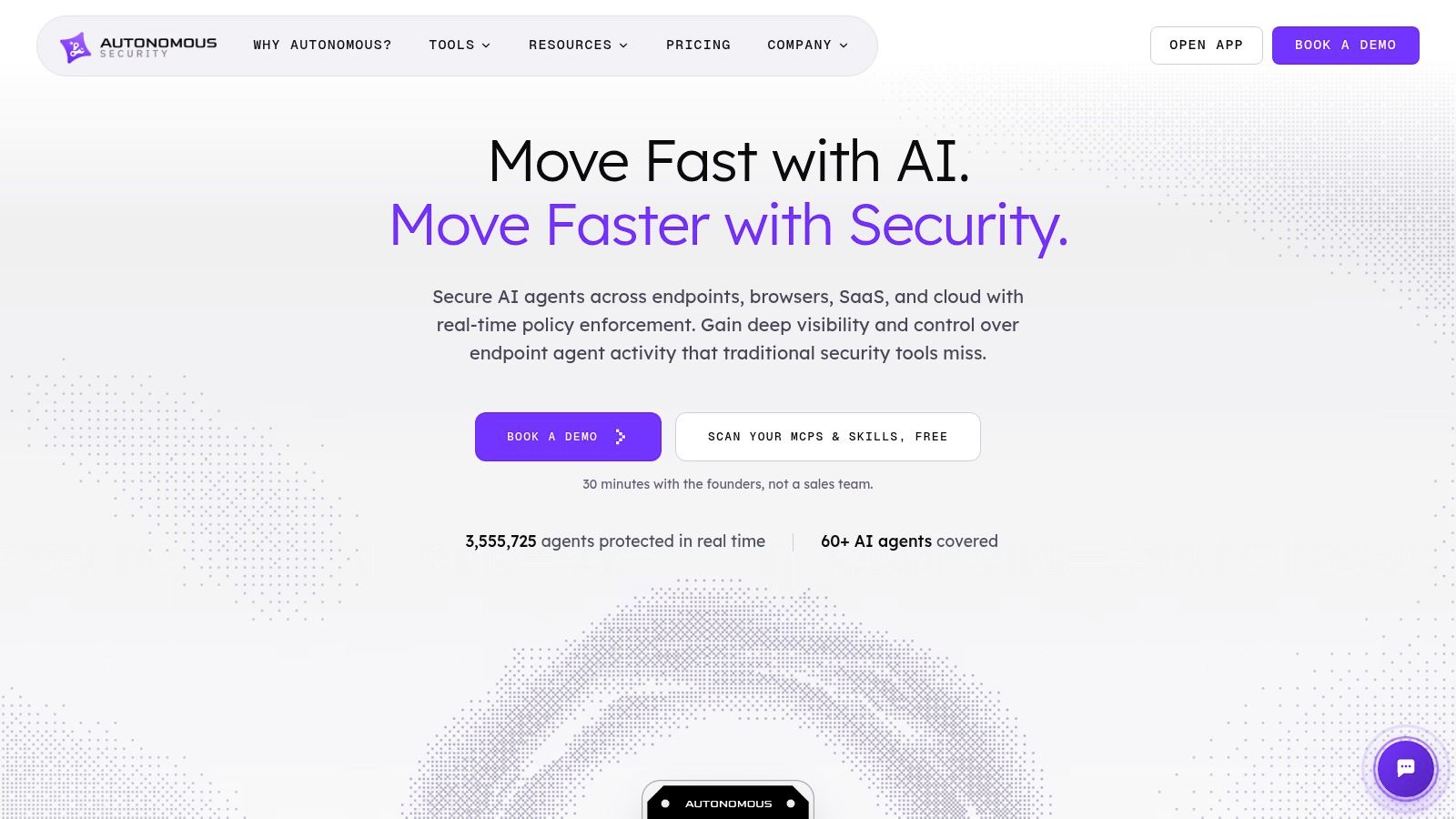
Autonomous is a platform level play. It combines agent discovery and posture assessment with runtime monitoring, guardrails, DLP, and controlled connectivity, and it claims coverage across endpoints, browsers, AI SaaS, MCP servers, LLM gateways, and cloud or containerized agents. You get inventory and risk assessment for agents, MCP servers, and skills, then monitoring of prompts, tool calls, commands, and data access, with monitor and enforce modes plus SIEM and SOAR integrations.
That breadth fits a specific problem. Team8's 2025 CISO Village survey found that 37% of respondents identified securing AI agents as an urgent security concern, making it the leading AI related priority in that survey. If your urgent problem is that nobody knows how many agents exist, discovery is worth more than another scanner.
Start in monitor mode. Watch what agents call, build your allowlists from observed behavior, and switch to enforcement once the false positives are understood. Flipping straight to enforce across endpoints and SaaS tends to break workflows and get the tool uninstalled.
The trade-offs are scope and cost structure. Subscription pricing is based on endpoint tiers with additional options, and a platform this wide collects a lot of activity data, so review retention and privacy settings before rollout. If you only need pull request checks on config files, this is more than you need.
- Pros: Discovery plus runtime controls across endpoints, SaaS, gateways, and MCP.
- Cons: Broad scope, endpoint tiered pricing, and data retention settings that need deliberate review.
5. Check Point AI Agent Security (Lakera)
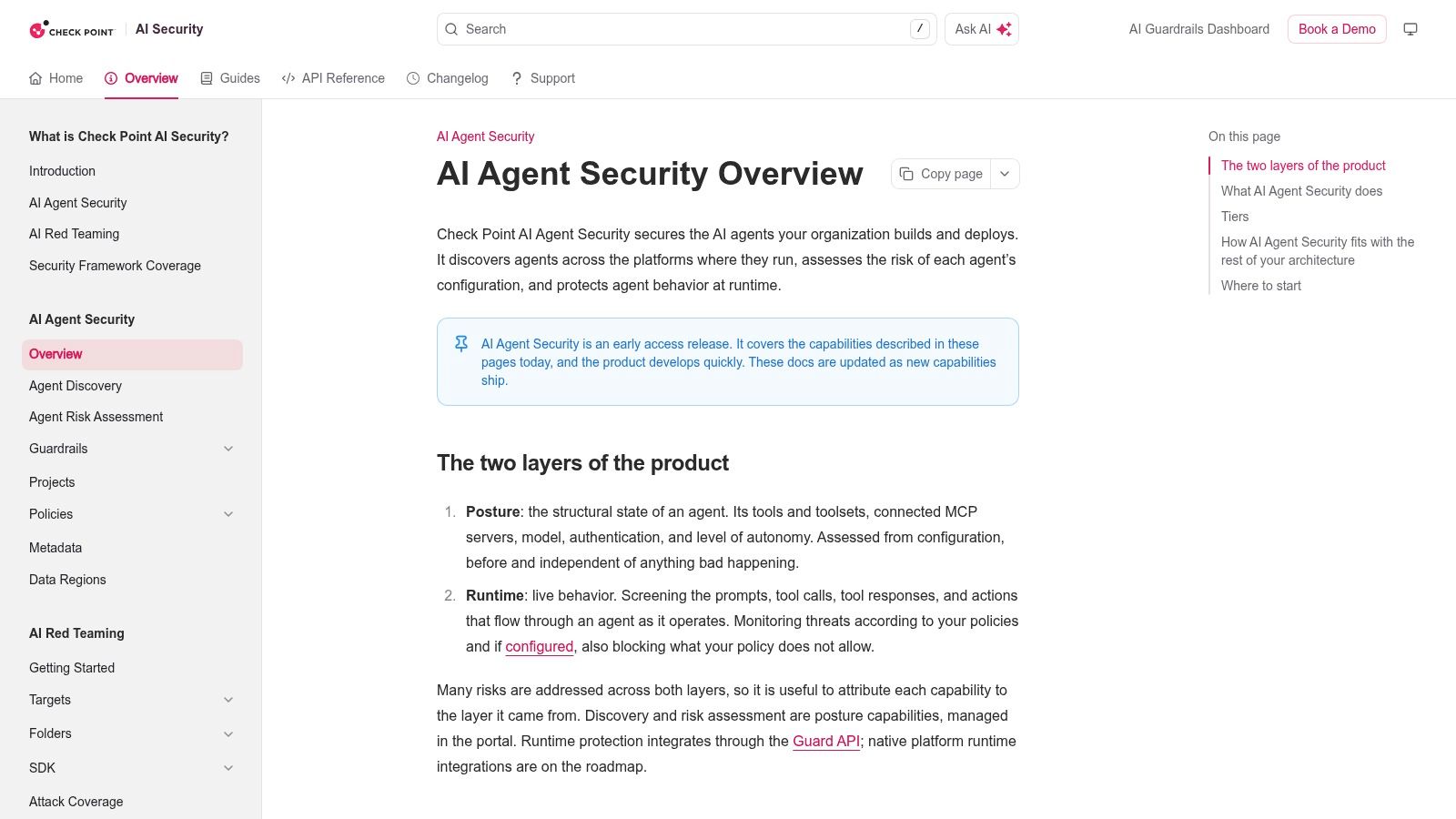
A config review and a runtime screen address different failure points. Check Point AI Agent Security assesses an agent's structural posture, including connected tools, MCP servers, authentication, and autonomy settings. It also screens prompts, tool calls, responses, and actions at runtime. Its Guardrails layer handles prompt attacks, data leakage, and content policy, with SaaS-hosted and self-hosted deployment options for that layer.
Autonomy settings need context. The 2026 Netskope AI Security Report by CSI reports that 53% of agents had write access to collaboration tools, 40% to email, and 25% to code repositories. Those permissions carry different risks: a scratch-document edit is easier to reverse than a repository change or sent email. Set approval requirements according to reversibility and potential impact.
The documentation describes the product as an early-access release, so confirm availability and supported integrations before choosing a deployment. Runtime screening also does not provide a deterministic pass or fail for repository configuration in a pull request. Check Point does not publish pricing for this product, so request a quote from the vendor. For an explanation of the MCP gateway pattern, consider how it fits your deployment model.
- Pros: Structural posture assessment and live screening, with a self-hosted Guardrails option.
- Cons: Early-access status and no deterministic repository configuration gate.
6. Datadog AI Guard
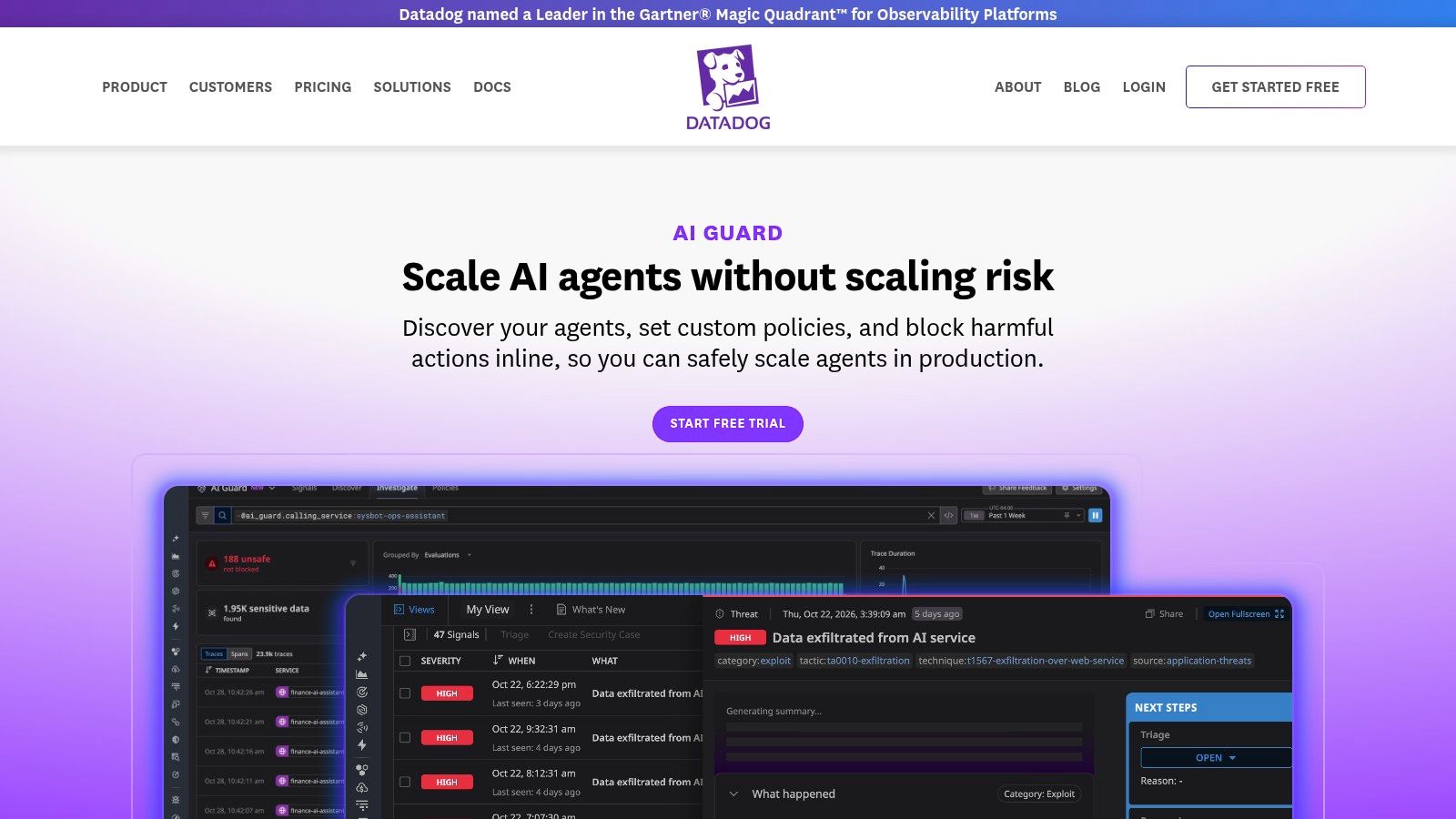
Already running Datadog? Then Datadog AI Guard is the shortest path to a runtime control. It evaluates prompts, responses, tool calls, MCP calls, and API interactions for custom agents, and can block inline or redact sensitive data rather than only alerting after the fact. Custom policies and a policy simulator let you test rules against traffic before enforcing them, and it integrates with multiple model providers and agent frameworks. Pricing is published and usage based, with a free trial.
Runtime controls matter because the incident curve is steep. Stanford University's 2025 AI Index reported 233 documented AI incidents in 2024, a 56.4% increase over 2023, and found that only 28% of organizations rated their incident response as "excellent" in 2024. Blocking a bad tool call in line is worth more than a clean postmortem.
Test the Request Path
Inline evaluation sits in your agent's request path, so measure it. Load test latency with the guard enabled, decide what happens if the evaluation call fails, and confirm whether your agents fail open or fail closed. That single decision changes your risk profile more than most policy tuning.
The clear limit is that this is a runtime product, not a static config reviewer. It won't tell a developer in a pull request that a config requests shell access with no approval.
- Pros: Inline blocking with existing Datadog observability, published pricing, free trial.
- Cons: No pre-deployment config review, and it needs instrumentation or routing to see traffic.
7. Cisco AI Defense
Cisco AI Defense is the enterprise suite entry. It combines discovery of AI assets, supply-chain scanning for MCP servers and other AI components, red teaming, and runtime guardrails for security, privacy, and safety, including inspection of MCP interactions at runtime. Deployment options span cloud, VPC, and on-premises environments, which matters if your agents can't send traffic to a vendor cloud.
For governance framing, the reference point is NIST. NIST's AI Risk Management Framework publications page records that NIST released the original AI RMF 1.0 in January 2023 and published the Generative AI Profile in July 2024. Use that structure to assign owners and evidence requirements, then let tools like this supply the discovery and runtime records. A framework mapping is not a certification, and no tool on this list certifies you against one.
Expect a real implementation project. Asset discovery across environments, red teaming scope, and runtime guardrail placement all need decisions, and pricing wasn't listed in the reviewed information. Verify which deployment modes support which controls for your architecture, since suite features often vary by where they run.
- Pros: Multiple lifecycle stages in one platform, MCP coverage, flexible deployment models.
- Cons: Implementation effort well beyond a standalone scanner, and unpublished pricing.
8. Akto
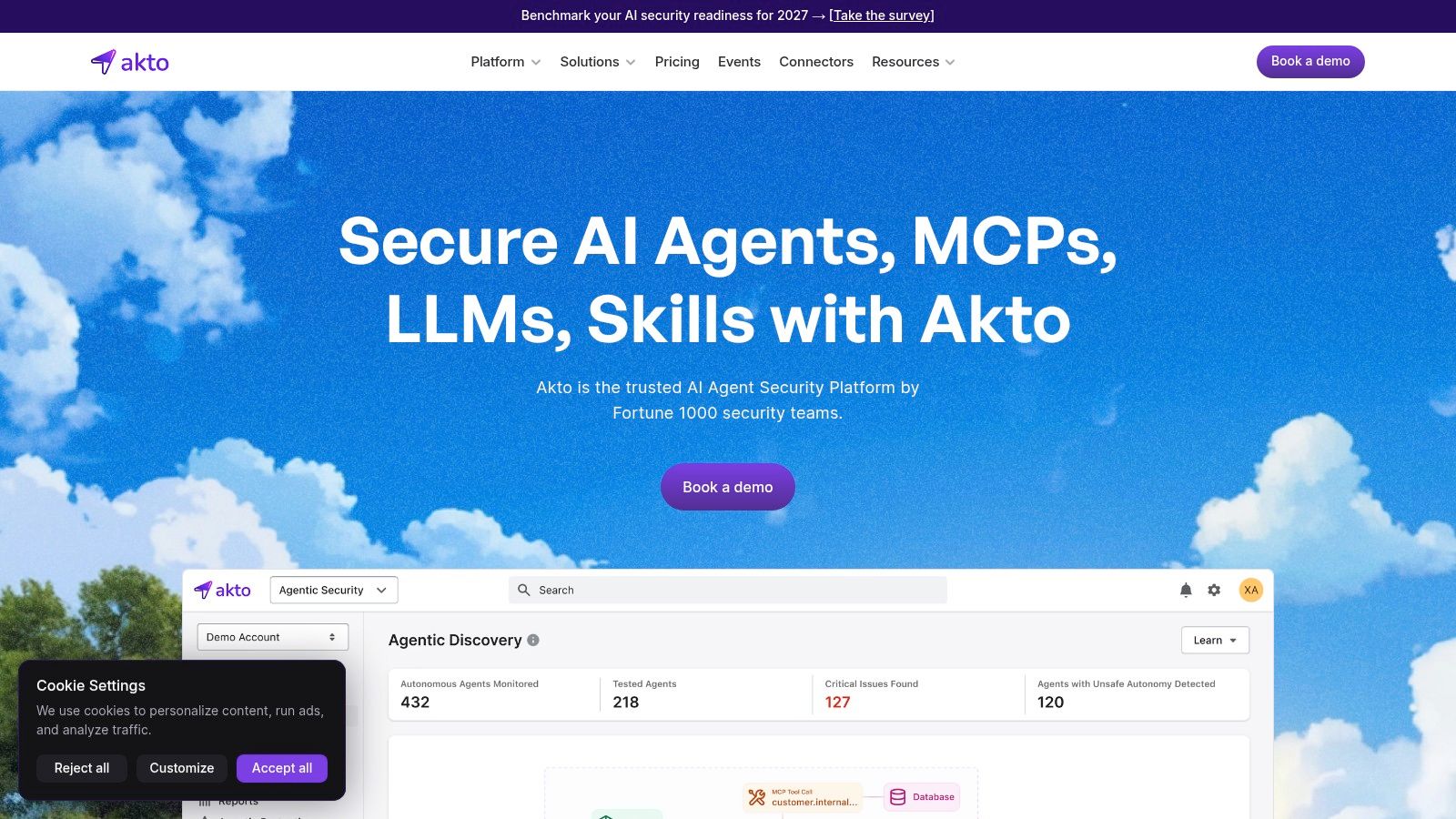
Akto comes at agents from application security. It positions itself as an AI, agent, and MCP security platform focused on discovering and testing AI related assets and traffic, which fits teams that already run API security testing and want agent coverage in the same motion. It offers cloud and self-hosted plan options with published plan information, though enterprise pricing is usage based.
Its own research explains the emphasis on discovery. Akto's State of Agentic AI Security report found that only 21% of organizations reported having a fully maintained, up-to-date inventory of AI agents and MCP connections, while 79% lacked governance policies for agent permissions and monitoring. You can't apply least privilege to connections you haven't catalogued.
Questions to Ask Before Buying
- Which checks run pre-deployment: Does it evaluate a config file in a repo, or does it need live traffic first?
- What does testing cover: Are MCP tool definitions tested, or only the APIs behind them?
- How does usage pricing scale: Model cost against your expected agent call volume, not your pilot.
Used well, it consolidates AI and API testing. Used as a config gate substitute, it'll leave the pull request path uncovered.
- Pros: Agent and MCP testing inside an application security platform, cloud and self-hosted options.
- Cons: Broader setup than a focused static scanner, and usage based enterprise cost.
9. Prompt Security
Prompt Security focuses on enterprise AI governance, and for agents that means MCP usage discovery plus an AI Gateway placed between AI applications and MCP servers to inspect requests and responses. It's a central inspection point for organizations managing both employee AI use and homegrown applications, which is a hard inventory problem when individual developers add MCP servers to their editors weekly.
The gateway model has a clear strength. One choke point gives you consistent logging, and consistent policy, for every application you route through it. It also has the same clear weakness as every gateway on this list. Traffic that doesn't pass through it isn't inspected, and local editor configs are the easiest traffic to leave unrouted.
Practical rule: If a developer can add an MCP server without touching the gateway, your gateway policy is a partial control. Pair it with config review in the repo.
Public pricing wasn't evident in the reviewed materials, so get a quote tied to your application count and traffic volume. Also be precise about what gateway inspection proves. It shows requests and responses that were routed and evaluated. It doesn't establish that the static configuration files in your repositories were safe before deployment, and it won't catch an embedded credential sitting in a config that hasn't run yet.
- Pros: Central inspection point combining MCP monitoring with broader AI governance.
- Cons: Coverage depends on routing and supported integrations, with no pre-deployment config guarantee.
10. CrowdStrike AI Agent Security
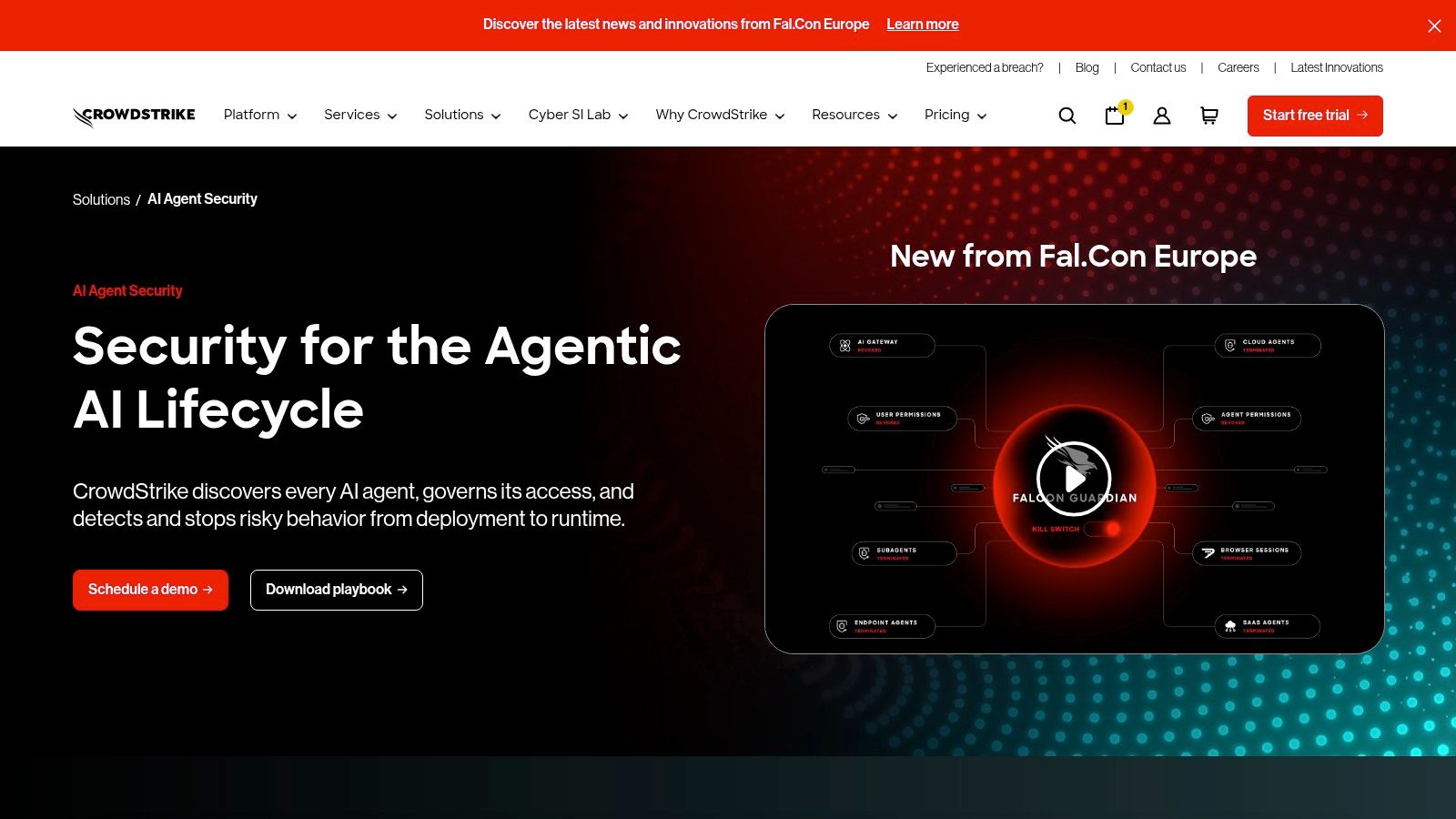
CrowdStrike AI Agent Security anchors agent security to the endpoint. It focuses on discovering agents in enterprise environments, giving visibility into agent activity, and linking that activity to Falcon endpoint telemetry, so an agent spawning a suspicious process shows up in the same console as other endpoint detections. Controls are intended to detect or stop unsafe agent behavior at runtime.
For a Falcon shop, that context is the selling point. Your SOC already works there, and agent actions become one more correlated signal instead of a separate alert stream nobody reads. Concern is certainly high enough to justify the attention. C1's Future of Identity Security survey of 494 leaders reported that 83% of surveyed U.S. IT security leaders said they were concerned about risks posed by agentic AI.
The limit is lifecycle position. Endpoint and runtime visibility won't review a native editor config in a pull request, check whether a package version is pinned, or flag a wildcard filesystem permission before merge. Value also depends heavily on your existing CrowdStrike footprint and supported integrations, and pricing and availability need vendor confirmation.
- Pros: Agent activity correlated with endpoint telemetry, natural fit for Falcon standardized organizations.
- Cons: Runtime and endpoint focus, not pre-deployment configuration review.
Where each AI agent security tool fits in your workflow
Start with a synthetic @example/mcp-demo configuration in a pull request. A static scanner can flag declared permissions and tool settings before deployment. A runtime gateway can apply policy to requests routed through it. Neither proves that an agent is safe: a clean static scan cannot establish how a model will behave, and runtime controls cover only the traffic they can inspect.
| Tool | Primary focus | Static or runtime | Deployment fit | Pricing transparency |
|---|---|---|---|---|
| Foo Guard | Agent configuration security and governance | Static scanning; optional routed MCP Gateway | GitHub, CI/CD, CLI, API, and supported MCP Gateway | Team plan from $57/month for 3 seats; $19/month per additional seat |
| Snyk Agent Scan | Agent configurations, MCP servers, tools, and skills | Primarily static component scanning | Local CLI and CI workflows | Open source |
| Invariant Labs Guardrails and MCP Scan | MCP security and contextual agent guardrails | Scanning and runtime gateway enforcement | Teams routing agent and MCP traffic through a gateway | Public pricing not evident |
| Autonomous | Agent discovery, posture, monitoring, and enforcement | Static posture assessment and runtime controls | Endpoints, browsers, SaaS, gateways, and cloud or containerized agents | Endpoint-tier subscriptions; additional options |
| Check Point AI Agent Security (Lakera) | Agent posture assessment and runtime protection | Configuration assessment and runtime screening | SaaS or self-hosted Guardrails; verify availability and integrations | Not publicly specified |
| Datadog AI Guard | Runtime security for custom agents | Runtime inspection and blocking | Instrumented agents; suitable for Datadog observability environments | Usage-based pricing published; free trial |
| Cisco AI Defense | AI asset discovery, supply-chain assessment, and guardrails | Assessment and runtime protection | Cloud, VPC, or on-premises; verify architecture fit | Not listed |
| Akto | AI, agent, and MCP security testing | Assessment and testing; confirm pre-deployment versus runtime coverage | Cloud or self-hosted; may integrate with API security workflows | Plan information published; enterprise usage-based |
| Prompt Security | Enterprise AI security, governance, and agent monitoring | Runtime gateway inspection and monitoring | Centralized gateway and supported integrations | Public pricing not evident |
| CrowdStrike AI Agent Security | Agent discovery and enterprise runtime protection | Runtime visibility and controls | Falcon ecosystem and supported endpoint integrations | Confirm pricing and availability with vendor |
Layer Your Checks Instead of Picking One Winner
Splitting AI agent security tools by lifecycle position makes the buying decision simpler, because most of them aren't substitutes. A static reviewer answers one question well. Does this declared configuration follow least privilege, keep credentials out of the file, pin its package versions, and require approval for high impact actions? A runtime gateway answers a different question. Did the calls that happened stay inside approved arguments, destinations, and actions? A platform tool answers a third. Which agents exist at all, who owns them, and what can they reach? Skipping the first question and buying only runtime tooling means you detect bad calls from a config nobody reviewed. Skipping the second means you approved a config and then never watched it behave.
Start with the pull request. Put a deterministic config check in CI and fail the build on threshold violations, so a wildcard permission or an embedded credential blocks the merge instead of generating a warning everyone scrolls past. Scan redacted copies with placeholders, never live secrets, and never send API keys, tokens, or private keys to a support channel or a scanner input. Pin MCP package versions so a merge today and a rebuild next month run the same code, while remembering that pinning is a reproducibility control, not a safety verdict on that package. For the wiring details, use the existing CI guide linked in the Snyk section rather than copy pasting pipeline snippets from memory. Track two numbers once the gate is live. The share of configs that pass on first submission, and the policy regression rate across commits. Both tell you whether developers are learning the policy or fighting it.
Add runtime enforcement only where you can route traffic. A gateway that covers your hosted agents but not local editor configs leaves the most common MCP path unmonitored, so inventory every agent-to-tool relationship first and classify capabilities plainly. Shell execution, filesystem write, database access, and outbound network calls each need an owner and an approval rule, and chained tools need extra scrutiny because a read tool plus a network tool is an exfiltration path that neither tool is alone. Grade approvals by reversibility and blast radius. Reading a file inside the workspace can be automatic; deleting files, writing to production, or sending external email should stop for a human.
Be honest about what a clean result means. A clean static scan proves only that deterministic rules found nothing in the declared tools, permissions, endpoints, and credential-like values. It doesn't prove the package is safe, the model will choose well, the tool will behave after deployment, or that you hold any framework certification. Runtime telemetry has the mirror image limit. It proves what routed calls did, not what an unrouted agent did. And keep synthetic examples synthetic. Never install @example/mcp-demo or any fictional package from an article.
Before your next agent merge, confirm your client file format in the documentation linked in the opening, run a redacted config through the example scan, and check the findings against your own least privilege expectations. That's a small, repeatable habit, and it scales better than hoping a reviewer catches a wildcard in a 400 line diff.
Scan your next agent configuration deterministically before it merges, with evidence backed findings on permissions, credentials, shell access, and approval settings, plus pull request gating and a versioned Library when your team needs governance across repositories. Try a free scan without an account, use a redacted config with placeholders instead of live secrets, and visit Foo Guard to put a repeatable pre-deployment check in front of your agents.