10 CI CD Security Tools Compared: What Each Misses
Compare 10 ci cd security tools for SAST, secret scanning, dependency checks, and agent config review. See the pros, cons, and what each one misses.
You're reviewing a pull request that adds one MCP server entry to a native client config. The synthetic package is labeled @example/mcp-demo, it's fictional, and you shouldn't install it. The version is pinned, the JSON parses, and every required check is green.
That green build proves less than it looks like. Pinning makes the next install reproducible, and it doesn't establish that the pinned package is safe. A secret scanner can tell you whether a credential value is sitting in the diff, but it won't judge whether the server needs shell access, a broad filesystem path, or outbound network access at all.
Run the change through a typical set of CI CD security tools and the gaps split by layer.
- Source scanners stay silent: There's no application code to analyze, only a config entry.
- Dependency scanners stay mostly silent: The package may not be in a lockfile they read.
- Secret scanners speak up only on values: An env var name passes, even if that variable holds an over-scoped token.
- Config review is the missing question: Does this server follow least privilege for the task named in the pull request?
The CD Foundation's 2024 State of CI/CD report, based on more than 150,000 respondents worldwide, tied CI/CD tools to better performance across all four DORA metrics and stressed incorporating security tests into workflows. That's the standard here. Static review, runtime behavior, and package safety are three separate questions, and no single check answers all three.
1. Foo Guard
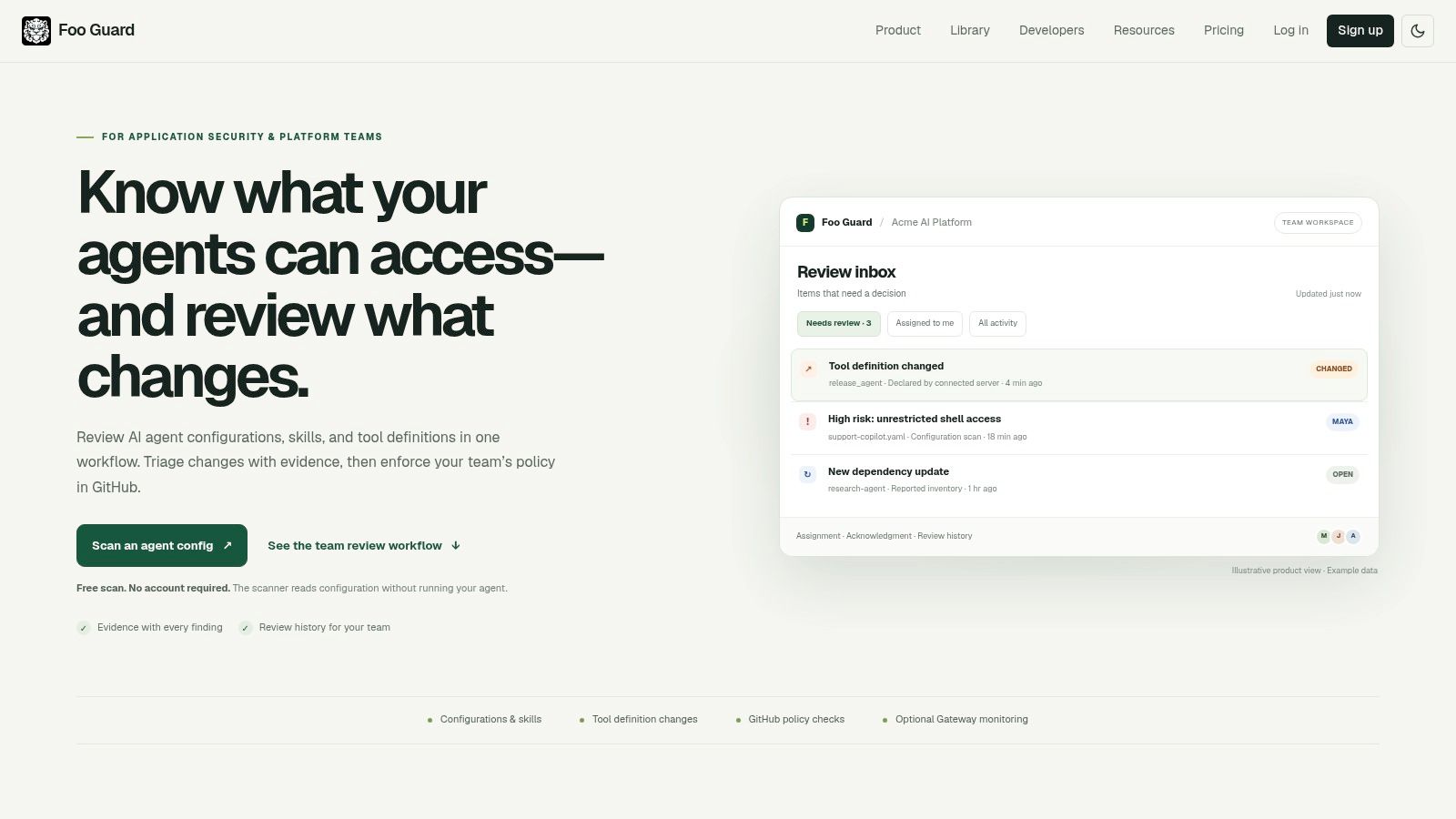
Start with the artifact the other scanners skip, the agent and MCP configuration itself. We run deterministic static analysis on JSON and YAML agent definitions and MCP-style tool specs without running the agent, so the same file under the same policy produces the same findings, score, and grade. Every plan includes 30 configuration checks, secret exposure detection, permission and tool capability analysis, compound-risk detection, and HTML reports.
Each finding shows the rule, severity, configuration field, evidence, and a suggested change. That matters in review, because a reviewer can point at the exact shell, filesystem, network, database, credential, or autonomy setting instead of debating a vague score. Secret-like values are redacted before storage, and we don't persist credential values or raw evidence.
How It Gates a Pull Request
Policy lives in .fooguard.yml and can be tightened by organization thresholds such as failOn and minGrade. CLI exit code 0 means policy passed, 1 means it failed, and 2 means an operational error, and both 1 and 2 fail the pipeline step. Team scans read .fooguard.yml at the commit SHA, so the policy under review is the policy that produces the check. Our guide to CI/CD best practices for agent configs covers wiring this into a pipeline.
Native client files are the reviewed artifacts. You don't rewrite them into a proprietary schema first. Cursor's official documentation describes MCP as part of its supported customization surface alongside agents, rules, skills, and the CLI, which supports the narrow claim that Cursor has native MCP configuration capability.
For supported requests routed through the Hosted Gateway, you also get monitoring, audit history, allowlists, argument validation, and optional blocking. AI-assisted remediation can propose a fixed config, but deterministic findings drive scoring and pass or fail decisions. The Team plan costs $57 per month for 3 seats, with additional seats at $19 per month, and a free scan runs without an account at fooguard.com.
What it cannot prove: A passing scan says the config met policy at that commit. It doesn't prove the pinned package is safe, certify compliance, or describe what an agent did at runtime outside routed Gateway traffic.
2. Snyk
Snyk covers the layers many teams mean by application security, SAST, software composition analysis, container scanning, and IaC scanning, surfaced through CI, source control, the CLI, and the IDE. If you want several common scan types feeding one dashboard, it's a reasonable default.
Dependency coverage is where it earns its place in this list. Datadog's 2024 State of DevSecOps report found that 90% of Java services were susceptible to at least one critical or high-severity vulnerability from a third-party library, compared with an average of 47% for other languages. A tool that reads your manifests and lockfiles on every pull request addresses that exposure directly.
- Strength in the synthetic PR: It can flag a known-vulnerable dependency if that package appears in a manifest it scans.
- Where it stays silent: An MCP entry in a client config isn't a dependency declaration it reasons about, and it won't judge tool permissions.
- Policy fit: You still need your own rules for what a config may grant, which is why pairing it with policy as code examples helps.
A free plan exists for individuals and small teams, and enterprise pricing is quote-based with credits across capabilities. Budget for triage time, because broad coverage produces findings faster than small teams clear them.
What it cannot prove: A clean dependency result doesn't mean an agent config follows least privilege, and it says nothing about runtime tool calls.
3. Semgrep
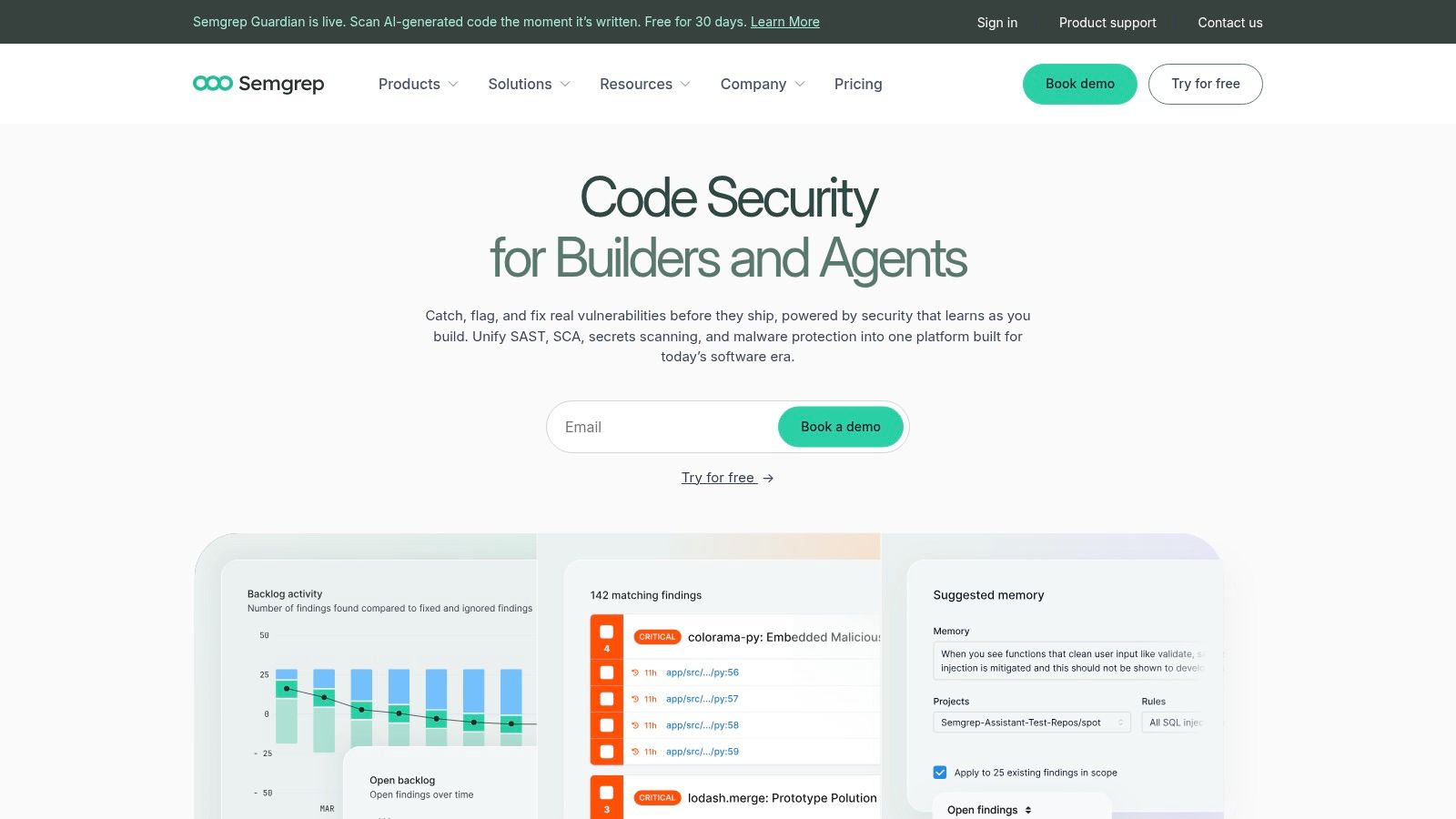
Pick Semgrep when you want to write the rule yourself. The engine is fast, the CLI runs locally or in CI, and custom or private rules let you encode organization-specific patterns, such as banning a dangerous API or requiring a wrapper around shell execution. The commercial platform adds code, dependency, and secrets scanning with pull-request feedback.
That flexibility cuts both ways. You are responsible for selecting, tuning, and maintaining the rule set, and a rule nobody updates stops matching how your code is written. The free tier supports scanning up to 10 repositories and 10 contributors, which is enough to test whether your team will maintain custom rules before you pay per contributor.
If a check matters enough to block a merge, write it as a rule a reviewer can read, not as tribal knowledge in a review comment.
Against the synthetic pull request, Semgrep sees nothing by default. There's no source pattern to match in a JSON config entry, unless you write rules that target config files yourself. That work is possible, but at that point you're building the config-review layer rather than buying it.
What it cannot prove: Passing your rule set proves your code matches your patterns. It doesn't audit MCP permissions, credential scope, or autonomy settings in native client configs.
4. GitHub Code Security and Secret Protection
If your code, reviews, and pipelines already live on GitHub, GitHub Code Security and Secret Protection is the path of least resistance. Code scanning, dependency findings, and secret scanning appear inside the pull request your reviewers are already reading, and Copilot Autofix can suggest patches. For workflow-level hardening, see the guide to GitHub Actions security.
Secret scanning is the piece that speaks up in the synthetic example. Paste a real token into the config's env block and it flags the value. Reference an env var by name and it passes, correctly, because there's no secret in the file. It can't tell you whether that variable resolves to a read-only token or an admin key, and it won't ask whether the server needs the credential at all.
Pricing is published and billed per active committer, so costs scale with contributor count. That's predictable for budgeting, and it adds up on large monorepos. The value also drops sharply if your delivery pipeline lives elsewhere.
What it cannot prove: No leaked secret in the diff isn't the same as a least-privilege config. It doesn't review agent permissions or observe runtime behavior.
5. GitLab Ultimate
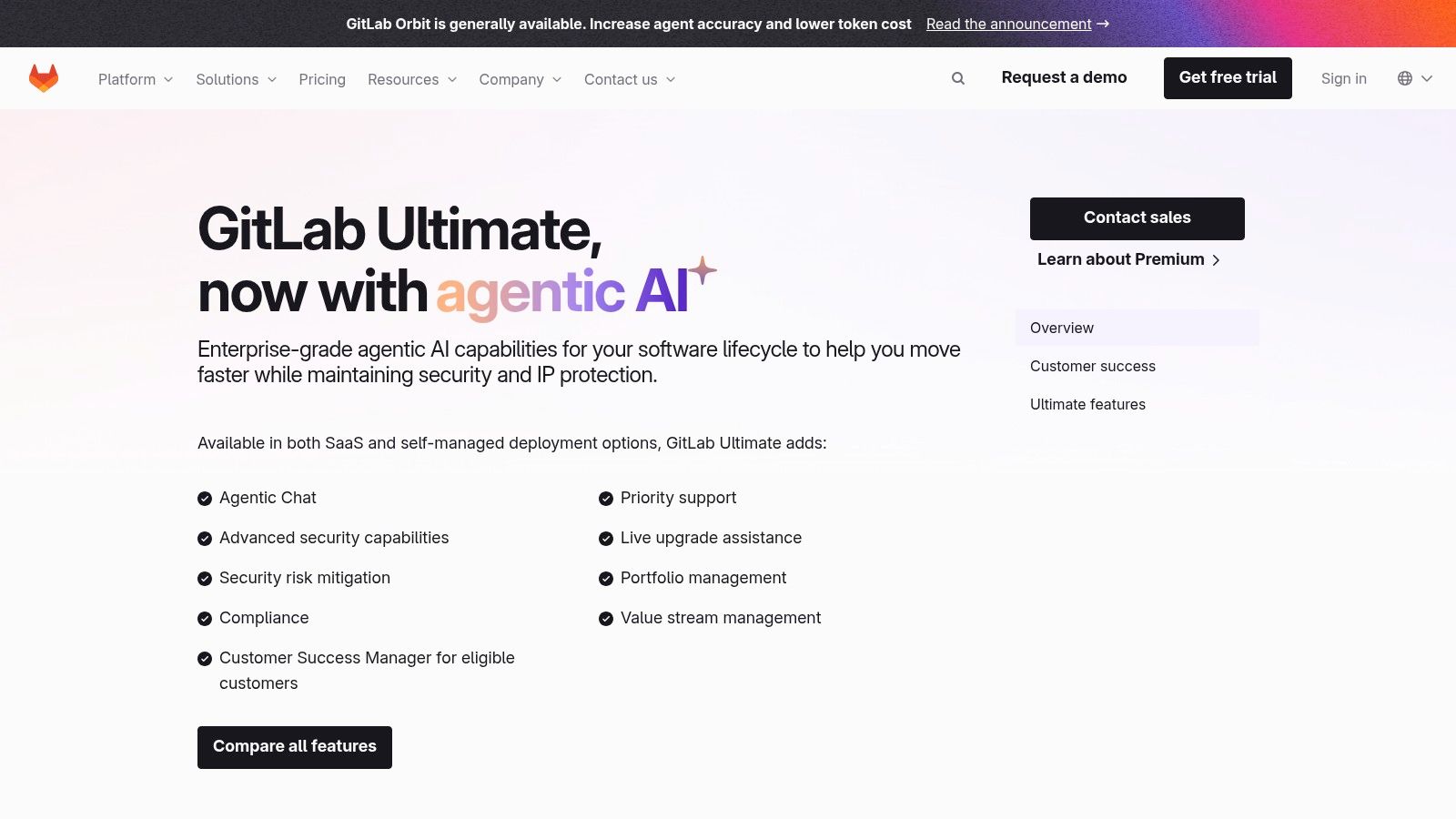
GitLab Ultimate makes the most sense when GitLab is already your source control and CI system. Application security testing, vulnerability management, supply-chain security, and compliance features sit in the same platform as the pipeline, so findings land next to the merge request instead of in a separate console.
Consolidation is a real buying motive. GitLab's 2024 Global DevSecOps Report, covering 5,315 professionals, found 64% wanted to consolidate their security toolchain, and 27% of organizations pursuing consolidation said too many tools harmed developer experience through context switching. Fewer consoles help adoption.
The trade-off is tier and lock-in. The advanced security and compliance features sit in the higher-cost Ultimate tier, and teams running GitHub Actions or Jenkins get little of the native integration benefit. Broad platform coverage also needs deliberate configuration around your policies, or you get default scans nobody owns.
In the synthetic pull request, GitLab's scanners treat the config as inert text. Nothing evaluates whether the new server entry widens the agent's reach.
What it cannot prove: Consolidated pipeline and AppSec results don't demonstrate that agent tool permissions were reviewed or that runtime calls stayed in bounds.
6. Aikido Security
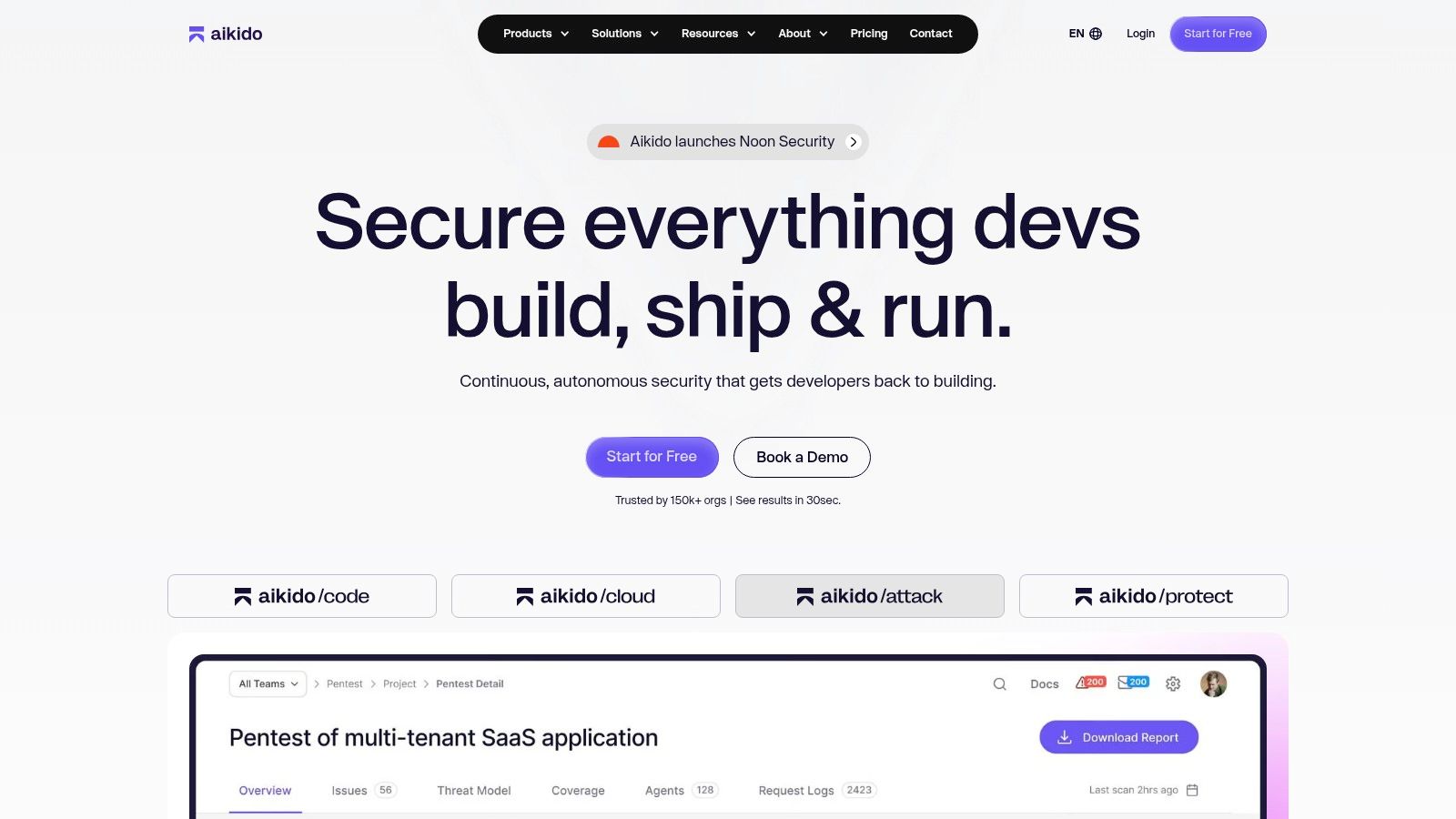
Aikido Security bundles SAST, SCA, secrets, IaC, and container scanning into one developer-oriented platform, with CI integration and gating on selected findings. For a small team that currently runs nothing, one broad tool beats five half-configured ones.
Tool sprawl is the problem it pitches against. Black Duck's Global State of DevSecOps report found that in 2024, 82% of organizations used between 6 and 20 security tools. Consolidating scan types into one vendor reduces integration work, even if each individual scanner isn't the deepest in its category.
- Free Developer plan: A low-risk entry point for small teams.
- CI gating: Selected findings can block a build, which is where scanning becomes a control instead of a report.
- Plan limits: Feature availability and capacity vary by tier, and many teams use only part of the platform.
Against the synthetic config change, Aikido behaves like its peers. It can catch a hard-coded secret or a vulnerable dependency elsewhere in the repo, and it has no opinion on MCP tool permissions.
What it cannot prove: Broad scan coverage across code and containers doesn't extend to agent-configuration policy, credential scope, or runtime enforcement.
7. Checkmarx One
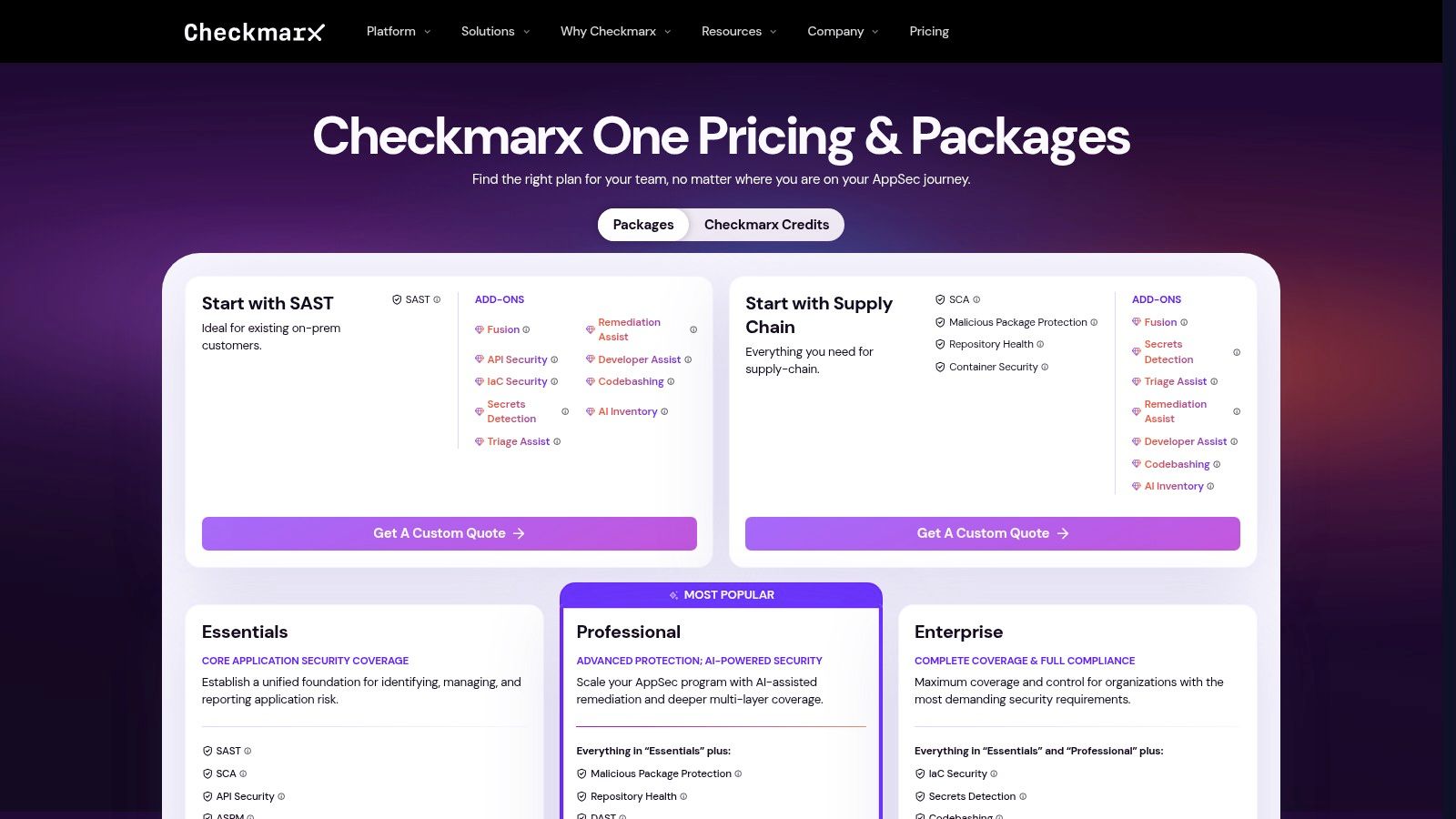
Checkmarx One targets organizations centralizing several AppSec categories, SAST, SCA, API security, and posture management, with DAST, container, IaC, and secrets capabilities depending on package or add-ons. It's a program-level purchase, not a tool a developer adopts on a Friday.
That positioning matches how controls get adopted. A 2025 survey of 405 small and medium-sized enterprise professionals found adoption was highest for API security at 63%, software composition analysis at 62%, IaC security at 61%, and SAST at 60%, while container security lagged at 34%. The same study found only 12% scanned on every commit. A centralized platform can close that frequency gap, if someone owns rollout.
Pricing is custom and quote-based, and final capability depends on the package you sign. Confirm your CI platform, repositories, and deployment model are supported before committing, because migration cost is the actual price.
Practical rule: A scanner that runs weekly is a reporting tool. Frequency at the pull request is what turns it into a gate.
What it cannot prove: Enterprise AppSec breadth doesn't include dedicated review of agent definitions, MCP permissions, or what happens after deployment.
8. SonarQube
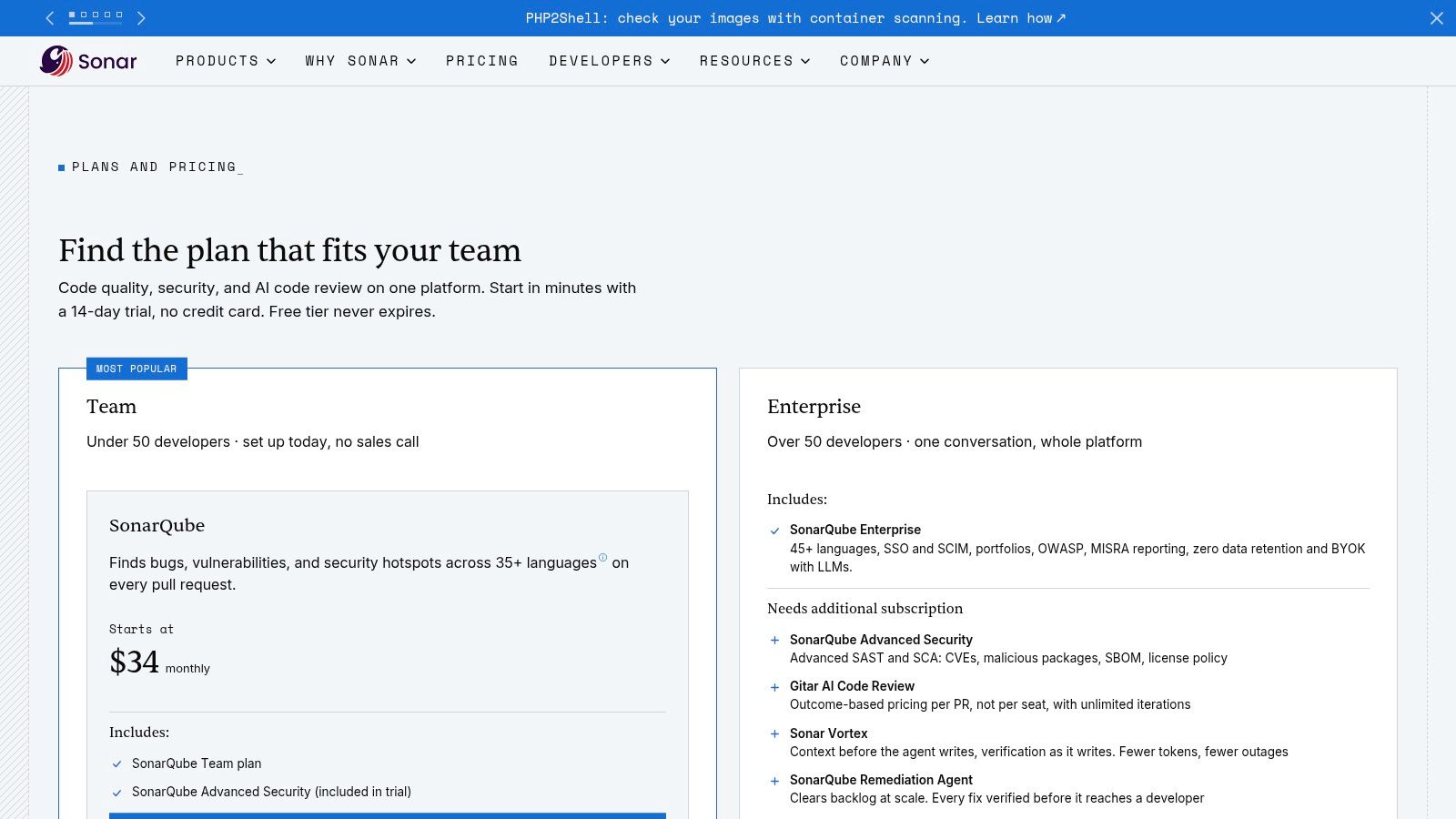
SonarQube analyzes source code for security issues, reliability bugs, and maintainability problems, and its quality gates can fail a build or pull request when selected thresholds aren't met. Teams that care about code health alongside security get both from one analysis pass.
I consider it a code-quality tool with security findings, not a security platform. That's not a dismissal. A gate developers already respect for maintainability is a good place to attach the security rules that fit its model, and self-managed deployment suits organizations that can't send source to a cloud service. For broader context on how assistants are changing code volume, see DBotMaker's coding assistant statistics.
Security features and entitlements vary by edition, and enterprise pricing is custom. Check which rules your plan includes before assuming coverage.
In the synthetic pull request, SonarQube has nothing to analyze. A JSON config entry isn't source code in a language it parses for vulnerabilities, so the gate passes on unchanged code.
What it cannot prove: Clean code metrics say nothing about agent configuration, CI workflow integrity, credential handling in config files, or runtime requests.
9. Mend
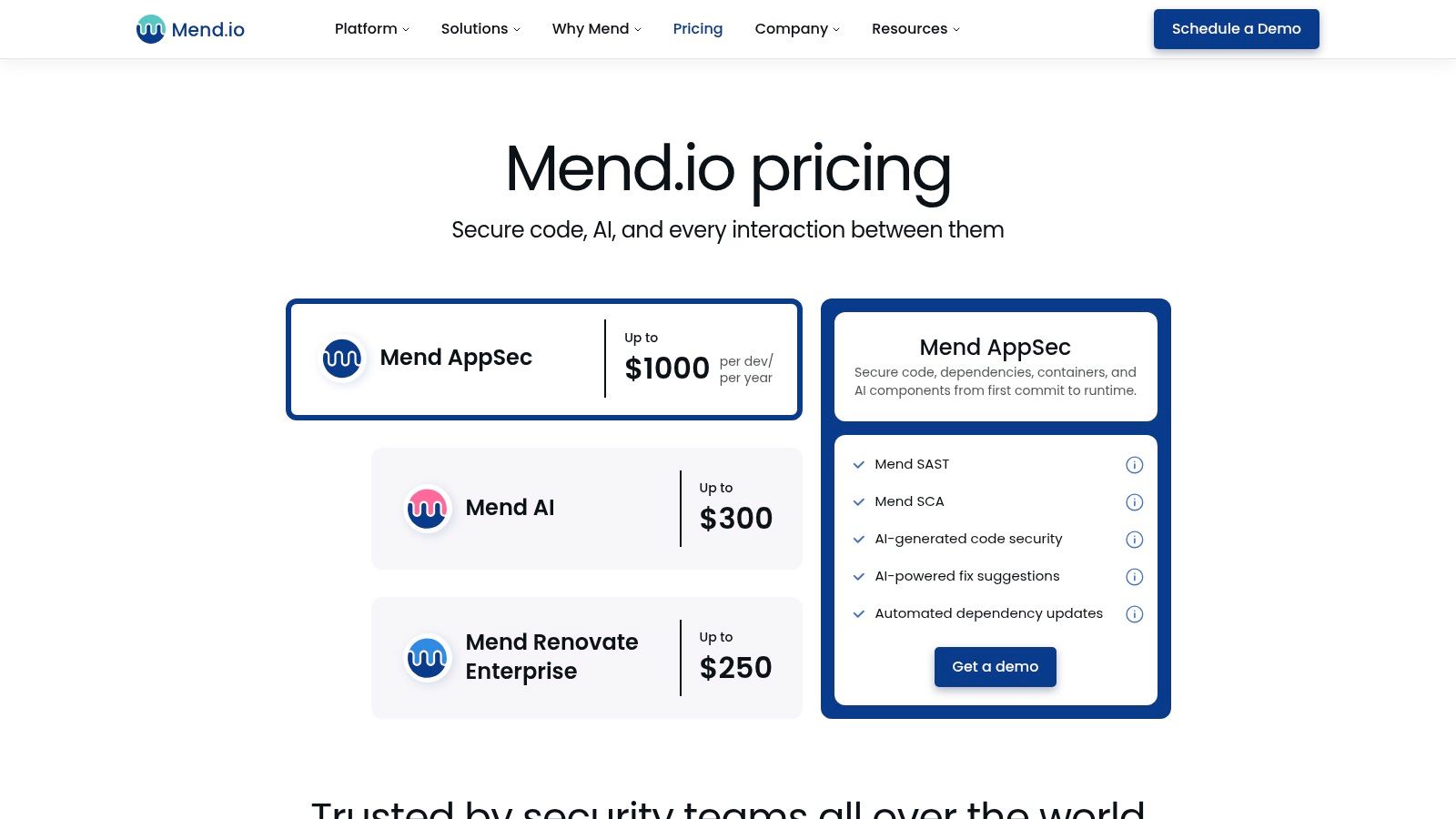
Mend combines SAST, SCA, and container scanning with automated dependency updates through its Renovate lineage, plus security checks aimed at AI-generated code. The update automation is the differentiator, because finding a vulnerable dependency is the easy half.
Read the AI claim carefully. Checking AI-generated code for vulnerabilities is not the same as auditing an agent definition or the permissions an MCP server receives. Those are different artifacts, and conflating them is how a config change like the synthetic example slips through a pipeline that looks well covered on paper.
The pre-deployment and runtime boundary matters here. IBM's enterprise AI-agent guidance recommends combining CI/CD gates with centralized MCP-gateway controls such as rate limits, throttling, and outbound-access restrictions. Mend sits firmly on the code and dependency side of that split.
Pricing is published for parts of the range and varies by product and contributing-developer count, with DAST and API security as add-ons in some cases.
What it cannot prove: Updated dependencies and scanned AI-generated code don't show that a native client config grants least privilege or that runtime tool calls were constrained.
10. Trivy
Trivy is the open-source option from Aqua Security, a command-line scanner you drop into an existing pipeline to check container images, repositories, artifacts, and configurations for known vulnerabilities. No procurement cycle, no console to administer.
That simplicity is the whole appeal. A single step in your workflow can fail a build on a critical CVE in the image you're about to ship, and it runs the same way on a laptop as in CI. For teams whose gap is artifact scanning, it's hard to argue with free and immediate.
You pay in operational ownership instead. Pipeline setup, scan configuration, report routing, and triage are yours, and there's no centralized policy or history unless you build it. Findings land as job output, which developers learn to ignore unless you wire failures into required checks.
- Sees in the synthetic PR: Nothing, unless the change also touched an image or artifact it scans.
- Best use: A fast artifact gate inside a pipeline that already has code and secret scanning.
What it cannot prove: A clean image scan doesn't review agent tool permissions, credential scope, or autonomy settings, and it provides no governance record.
How the 10 CI/CD security tools compare by coverage, free options, and pricing signals
| Item | Main scan coverage | Free option | Pricing signal | Best for |
|---|---|---|---|---|
| Foo Guard | AI agent configurations and MCP-style tool definitions; optional Gateway monitoring | Free scan without an account | Team plan $57/month for 3 seats; $19/month per additional seat | Teams governing agent configurations with evidence-backed scans and CI policy checks |
| Snyk | Source code, dependencies, containers, and infrastructure as code | Free plan for individuals and small teams | Enterprise pricing is quote-based; limits vary by plan | Teams seeking broad AppSec scans integrated into developer workflows |
| Semgrep | Code, dependencies, and secrets | Free tier for up to 10 repositories and 10 contributors | Commercial plans priced by contributor | Teams that need customizable static-analysis rules |
| GitHub Code Security and Secret Protection | Code, secrets, and dependency-related risks in GitHub repositories | Free option not specified | Published pricing; billed per active committer | Teams centered on GitHub repository and pull-request workflows |
| GitLab Ultimate | Application security, supply chain, vulnerability management, and compliance | Lower GitLab tiers are available | Advanced features are associated with the higher-cost Ultimate tier | GitLab CI/CD teams seeking integrated security and compliance |
| Aikido Security | Code, dependencies, secrets, IaC, and containers | Free Developer plan | Paid team plans; features vary by plan | Small teams seeking multiple scan types and CI gating |
| Checkmarx One | Code, dependencies, API security, and posture; other scans vary by package | Free option not specified | Custom quote; access depends on package and add-ons | Organizations centralizing multi-category AppSec capabilities |
| SonarQube | Source code security, reliability, and maintainability | Free option not specified | Edition-dependent; enterprise pricing is custom | Teams using CI quality gates for code analysis |
| Mend | Code, dependencies, containers, and AI-generated code | Free option not specified | Pricing varies by product and contributor count | Teams combining code and dependency checks with automated updates |
| Trivy | Container images, software artifacts, repositories, and configurations | Open-source availability | Open-source scanner | Teams adding command-line artifact scanning to existing CI pipelines |
Choosing Layers Instead of One Winner
A pull request can pass code, dependency, and secret checks while an agent configuration still grants broad access. Assign a check to each artifact: source scanners such as Semgrep and SonarQube inspect code; Snyk, Mend, and Trivy cover dependencies or build artifacts; GitHub and GitLab offer checks within their repository workflows.
Agent configuration needs its own review. Cursor, Claude Desktop, VS Code, and Continue files can be assessed when they are provided as JSON or YAML agent configurations or MCP-style tool definitions. Review shell, filesystem, network, and database permissions, credential references, approval settings, and package versions. Pinning helps make a build reproducible; it does not establish that a package is safe.
Governance connects those checks to a reviewable change. OWASP's 2025 Software Supply Chain Failures guidance covers changes to CI/CD settings, repositories, sandboxes, IDEs, logging, integrations, and artifact repositories. Version policy, tie findings to commit SHAs, and retain scan history so reviewers can identify which configuration and rules produced a result.
Static findings describe what a configuration permits. Runtime logs describe what happened on routed traffic. A clean configuration scan does not prove how an agent behaved in production, and runtime logs do not establish that pre-deployment policy was sound. Use runtime controls such as rate limits, egress restrictions, and blocking to address behavior that static review cannot observe.
A passing build means only that the configured checks passed at that commit. It does not prove that a pinned @example/mcp-demo package is safe or certify compliance. OWASP and SOC 2 control mappings can help reviewers organize evidence, but they are not certifications.
To assess the configuration layer, paste or upload a JSON or YAML file, keep the default rules or select others, and review the findings, score, and remediation guidance. Start with the free native MCP example scan, then use the guide on how to read an assessment to interpret each finding's severity, evidence, and configuration field. A finding that does not identify the field at issue gives reviewers little to act on.
Your pipeline may already scan code, dependencies, and secrets while agent configuration receives only a visual review. Foo Guard scans JSON or YAML agent configurations and MCP-style tool definitions before they run, and its CLI supports CI enforcement. Run a configuration through Foo Guard to see which permissions need review.